> ## Documentation Index
> Fetch the complete documentation index at: https://help.lunacal.ai/llms.txt
> Use this file to discover all available pages before exploring further.
# Change Meta Title and Social Preview Image
> Learn how to update the SEO meta title and social preview image for your event booking page.
**What this feature does (and why use it)**
Improve how your booking page appears on Google and social media by customizing your **Meta Title**, **Meta Description**, and **Social Preview Image**.\
These settings help you stand out in search results, increase click-through rates, and control how your link looks when shared anywhere online.
## Step 1
Go to [Event Types](https://app.lunacal.ai/event-types) in your dashboard.
 ## Step 2
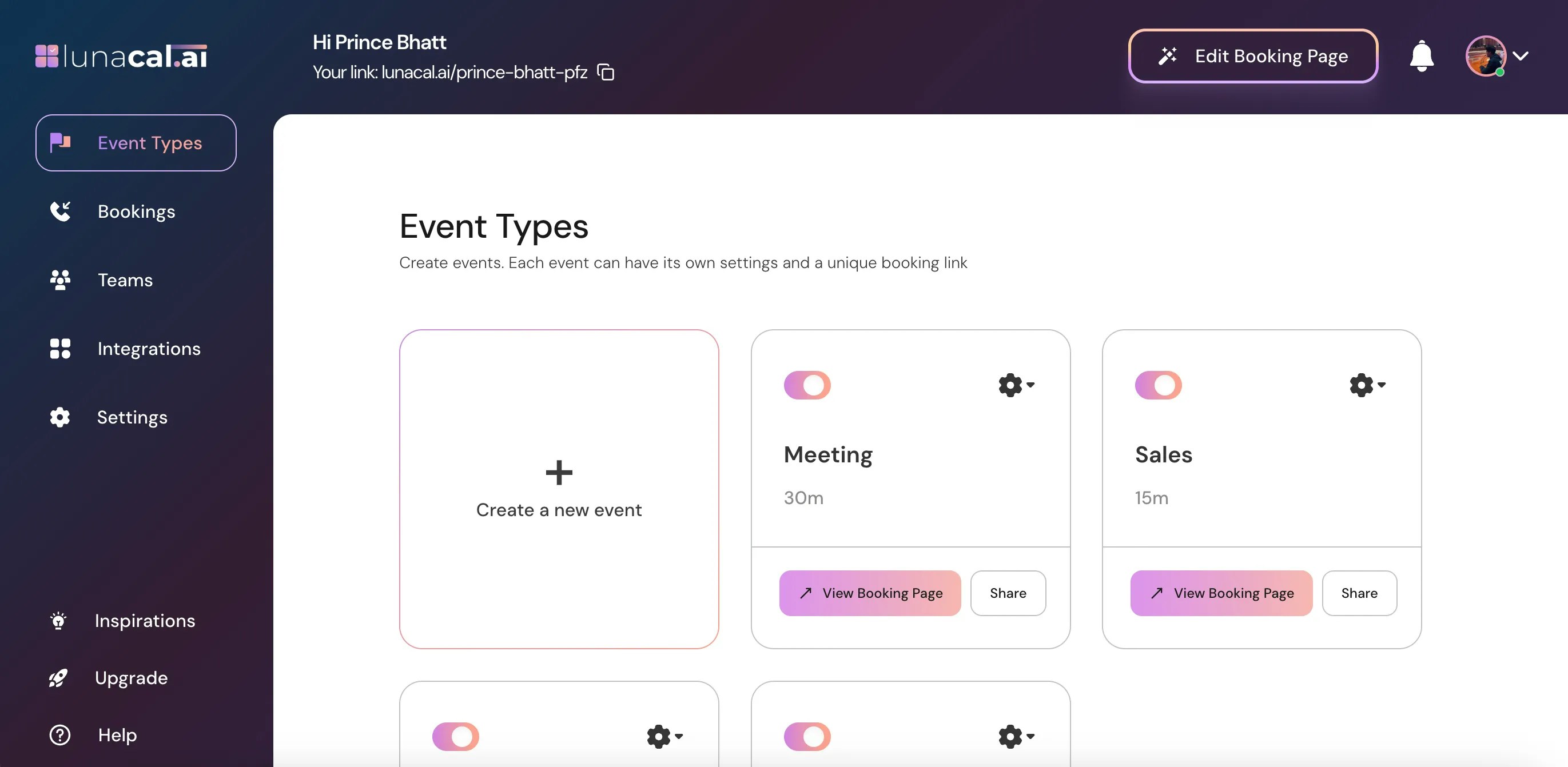
Select the event for which you want to update the SEO details and click on the Settings (⚙️) icon on that event card.
## Step 2
Select the event for which you want to update the SEO details and click on the Settings (⚙️) icon on that event card.
 ## Step 3
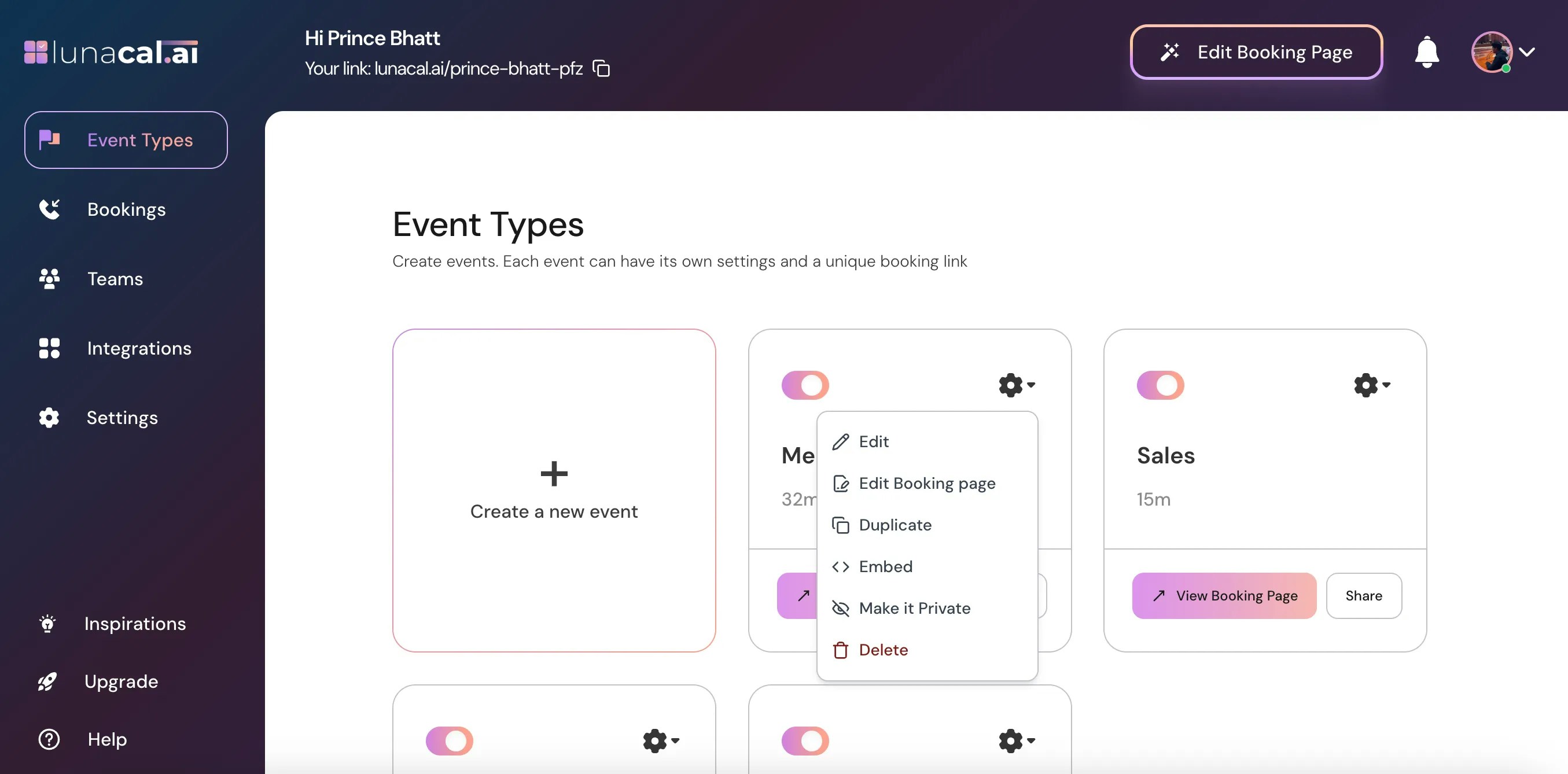
Choose "**Edit**" from the dropdown.
## Step 3
Choose "**Edit**" from the dropdown.
 ## Step 4
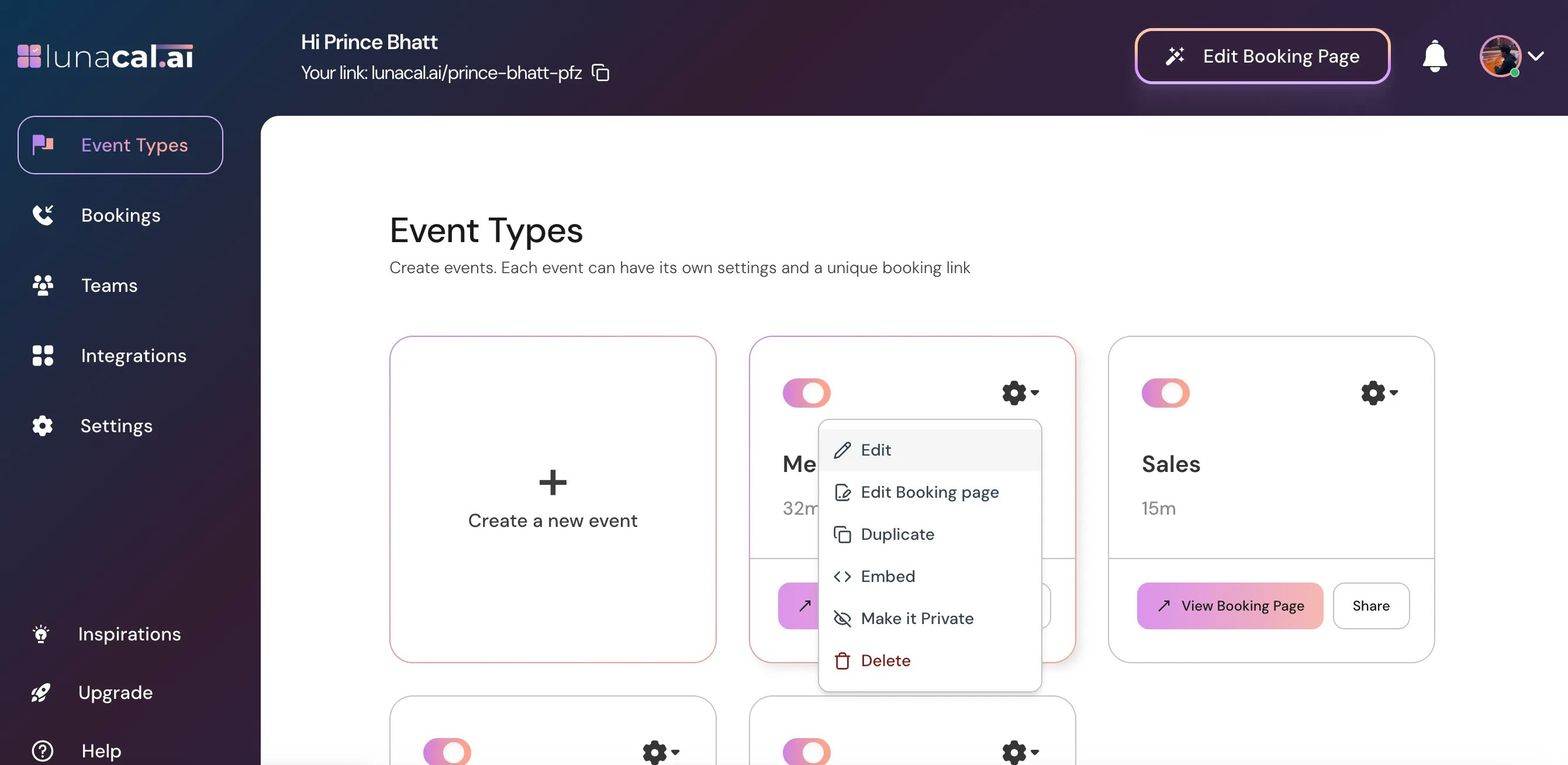
In Your "**Event Type**", scroll down to find "**Advanced.**"
## Step 4
In Your "**Event Type**", scroll down to find "**Advanced.**"
 ## Step 5
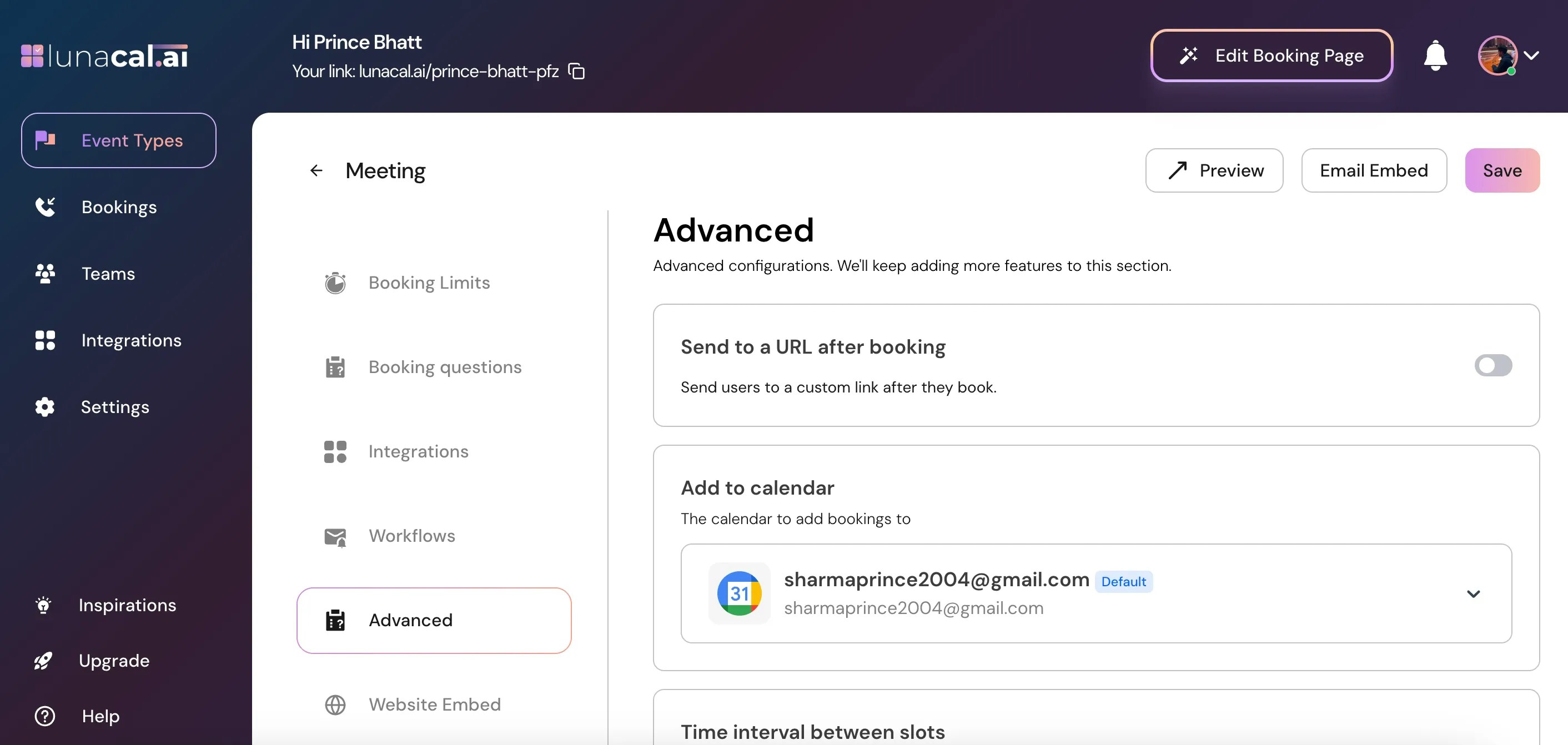
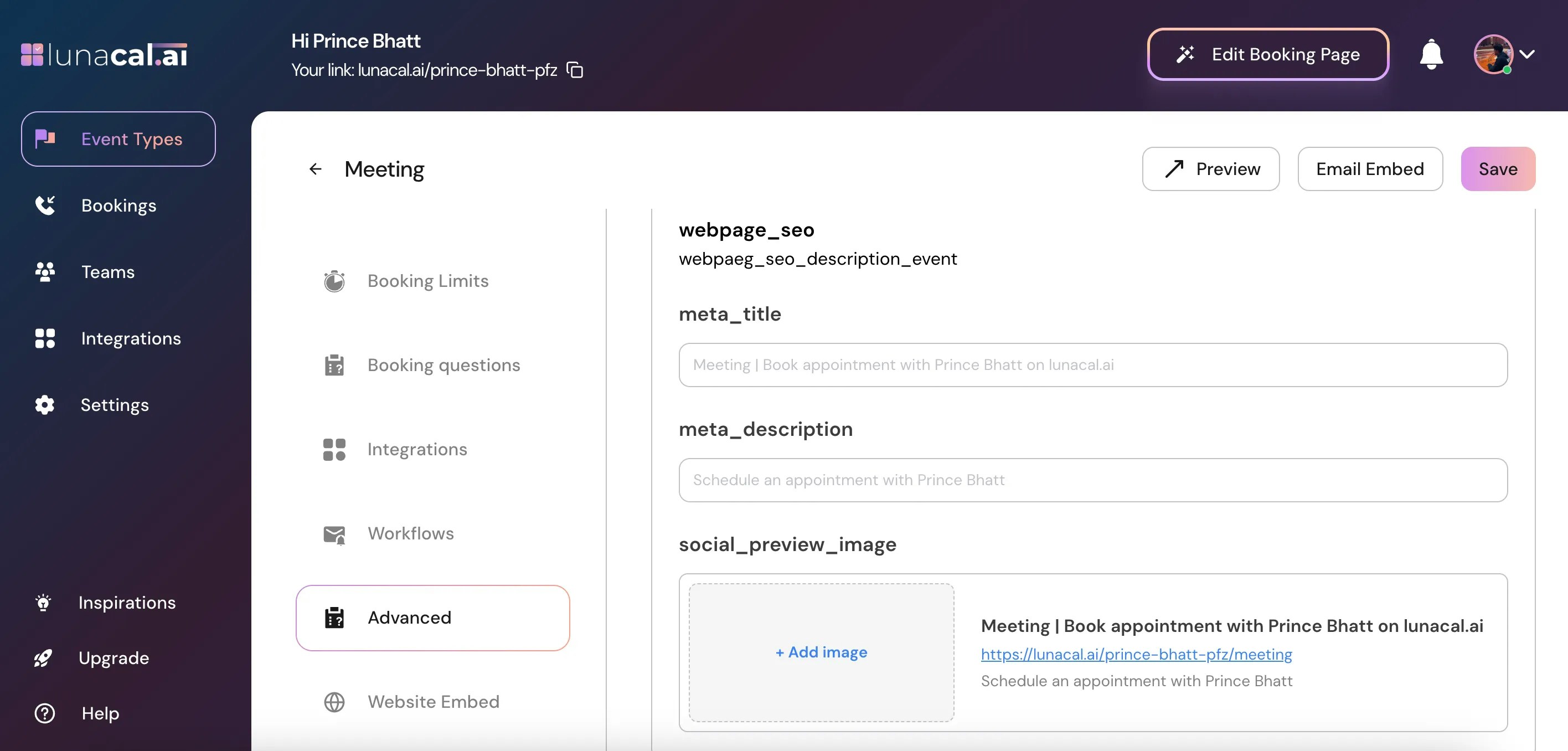
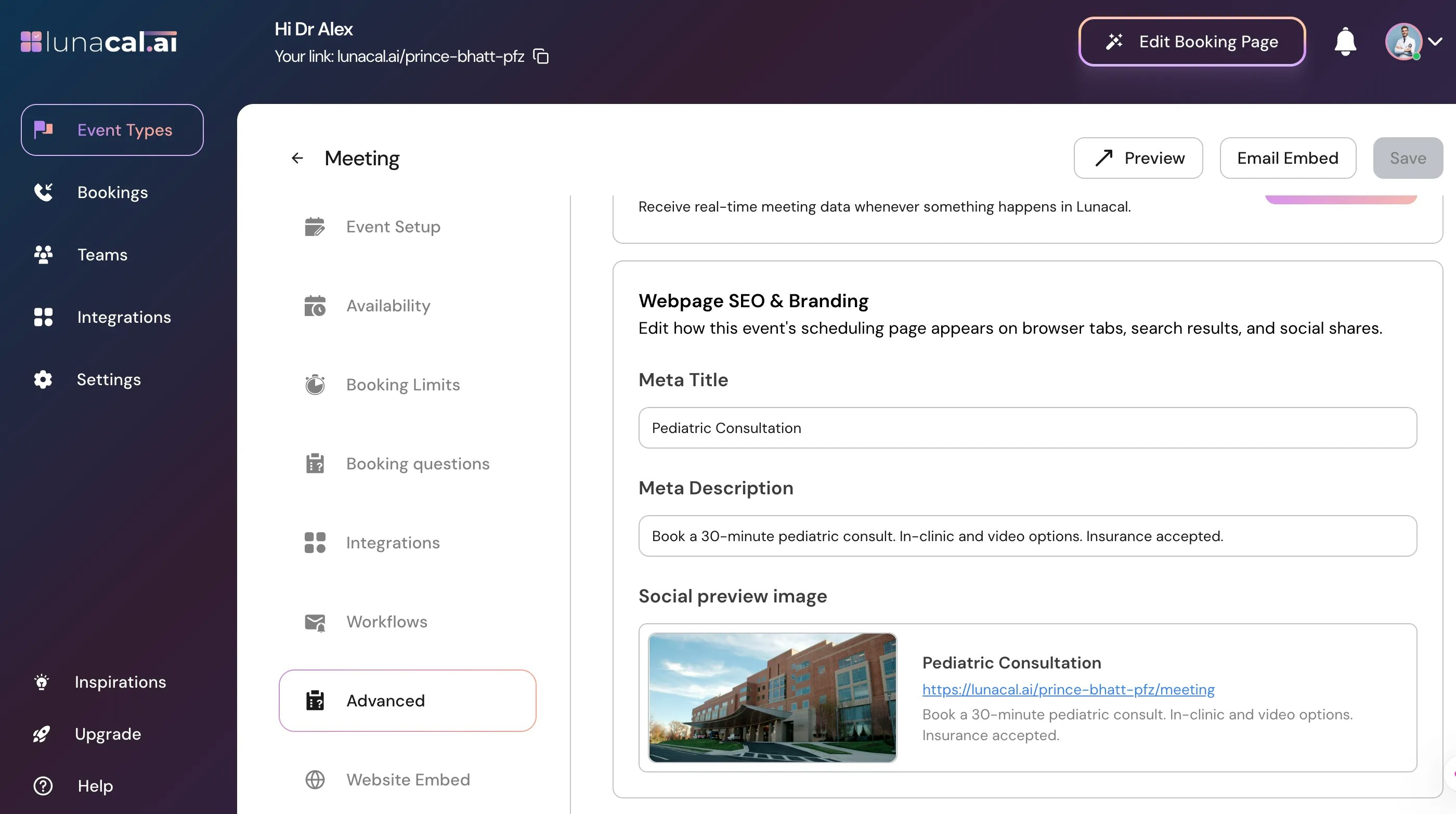
In "**Advanced**" scroll down and update the following fields in "**Webpage SEO & Branding**":
**"Meta Title"** → Keep it under 55–60 characters so it doesn’t get cut in Google. Put the event name first, then your name/brand or location for context.
* **Example** (agency): “Strategy Call — Brand Positioning Audit | BrightLabs”
**"Meta Description"** → Aim for 140–160 characters. State who it’s for, what happens on the call, and any key qualifier (duration, format, outcome). Example (coach): “Book a 45-minute career coaching session. Get role clarity, resume fixes, and an action plan.”
"**Social Preview Image**"→ Use 1200×630 px (or similar 1.91:1) with readable text. Include your logo, event name, and a short benefit. Keep margins wide so text isn’t cropped. Example (therapist): A calm background with “Intro Therapy Session — 30 min” + clinic logo.
## Step 5
In "**Advanced**" scroll down and update the following fields in "**Webpage SEO & Branding**":
**"Meta Title"** → Keep it under 55–60 characters so it doesn’t get cut in Google. Put the event name first, then your name/brand or location for context.
* **Example** (agency): “Strategy Call — Brand Positioning Audit | BrightLabs”
**"Meta Description"** → Aim for 140–160 characters. State who it’s for, what happens on the call, and any key qualifier (duration, format, outcome). Example (coach): “Book a 45-minute career coaching session. Get role clarity, resume fixes, and an action plan.”
"**Social Preview Image**"→ Use 1200×630 px (or similar 1.91:1) with readable text. Include your logo, event name, and a short benefit. Keep margins wide so text isn’t cropped. Example (therapist): A calm background with “Intro Therapy Session — 30 min” + clinic logo.
 ## Step 6
Click "**Save**" to apply the changes.
## Step 6
Click "**Save**" to apply the changes.
 ## Step 7
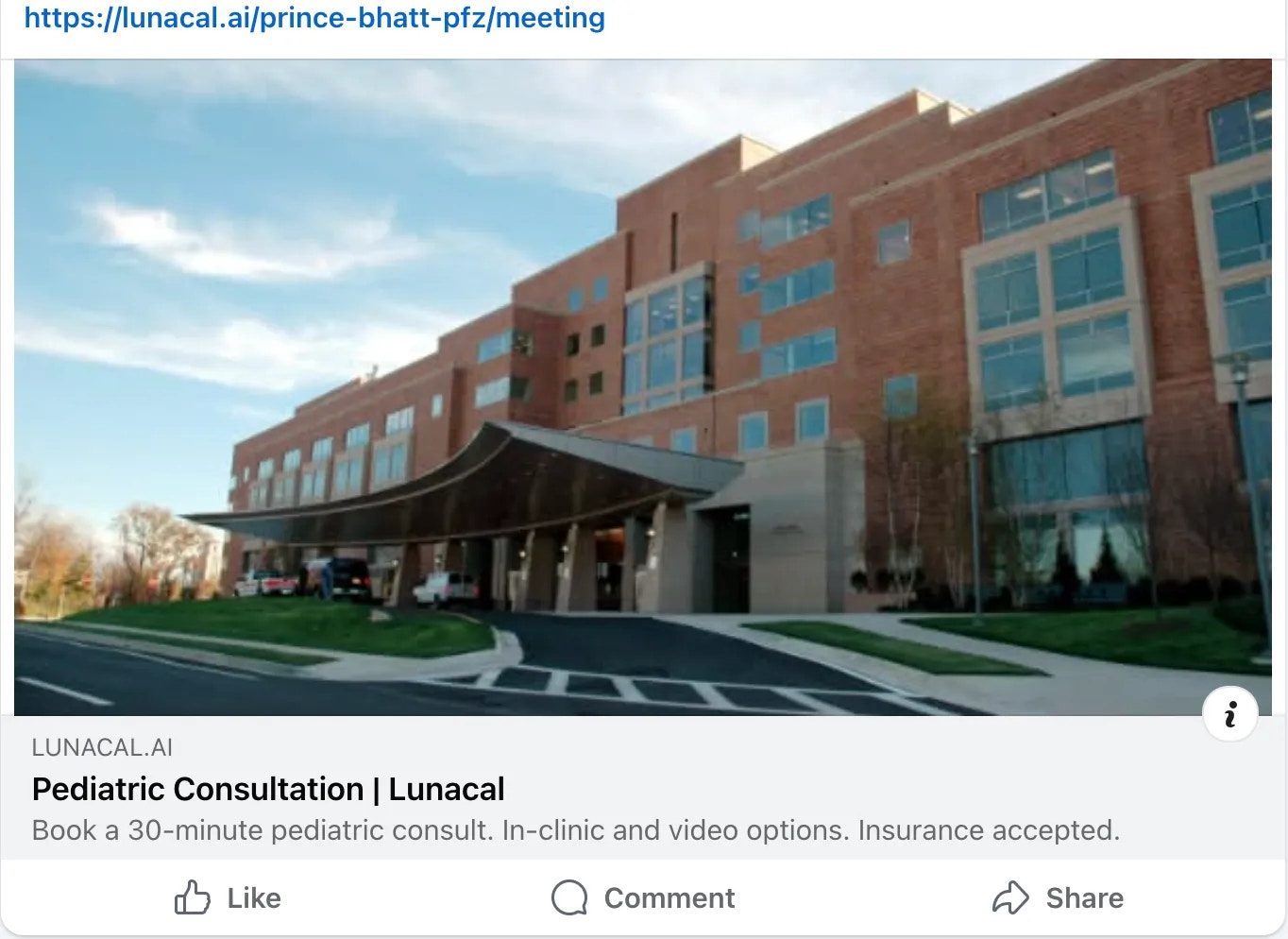
Copy your event link and paste it on the channel you want to share (WhatsApp, LinkedIn, X, Facebook, email). The "Social Preview Image" and "Meta Title"/"Meta Description" will render automatically.
**Preview-**
## Step 7
Copy your event link and paste it on the channel you want to share (WhatsApp, LinkedIn, X, Facebook, email). The "Social Preview Image" and "Meta Title"/"Meta Description" will render automatically.
**Preview-**
 | **Startup Demo** | **Common Mistakes to Avoid** |
| :-------------------------------------------------------------------------------------------------------------------------------------------------------------------------------------------------------------------------------------------------------- | :------------------------------------------------------------------------------------------------------------------------------------------------------------------------------------------------------------------------------------------------------------------------------------------------------------------------------------------------------------------------------------------------------------------------------------------------------------------------------------------------------------------------------- |
| **Meta Title**: “Product Demo — AI Reporting \| Acme Analytics”
| **Startup Demo** | **Common Mistakes to Avoid** |
| :-------------------------------------------------------------------------------------------------------------------------------------------------------------------------------------------------------------------------------------------------------- | :------------------------------------------------------------------------------------------------------------------------------------------------------------------------------------------------------------------------------------------------------------------------------------------------------------------------------------------------------------------------------------------------------------------------------------------------------------------------------------------------------------------------------- |
| **Meta Title**: “Product Demo — AI Reporting \| Acme Analytics”
**Meta Description**: “Live 30-minute walkthrough. See automated dashboards, alerts, and team sharing.”
**Social Preview Image**: Product UI screenshot with “Live Demo” tag. | • Stuffing keywords in **Meta Title** — makes it hard to read and reduces clicks. Use a clear event name + brand/location.
• Writing vague **Meta Description** (e.g., “Best service ever”). Instead, describe the session, duration, and outcome.
• Using a low-contrast **Social Preview Image** with tiny text — becomes unreadable on mobile.
• Forgetting to **Save** and then testing the old cached preview. • Reusing the same **Meta Title** for multiple events — looks duplicate in search results. |