Step 1
Navigate to “Event Types” in your dashboard sidebar. This section lists all your configured event types, such as “Meeting”, If no events exist, create one first via the ”+ New Event Type” button.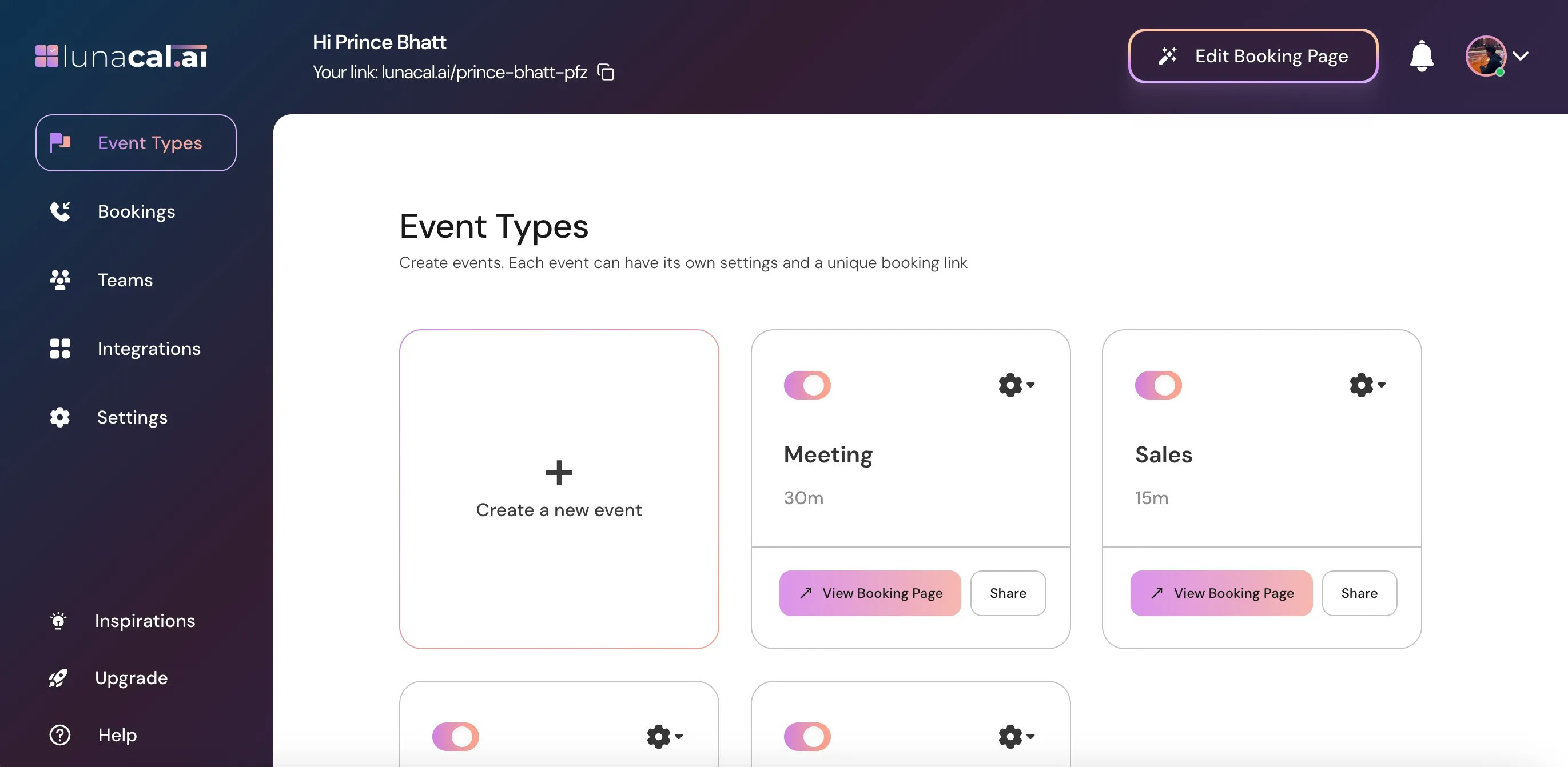
Step 2
Select the event for which you want to set an availability exception and click on the Settings ⚙️ icon on that event card.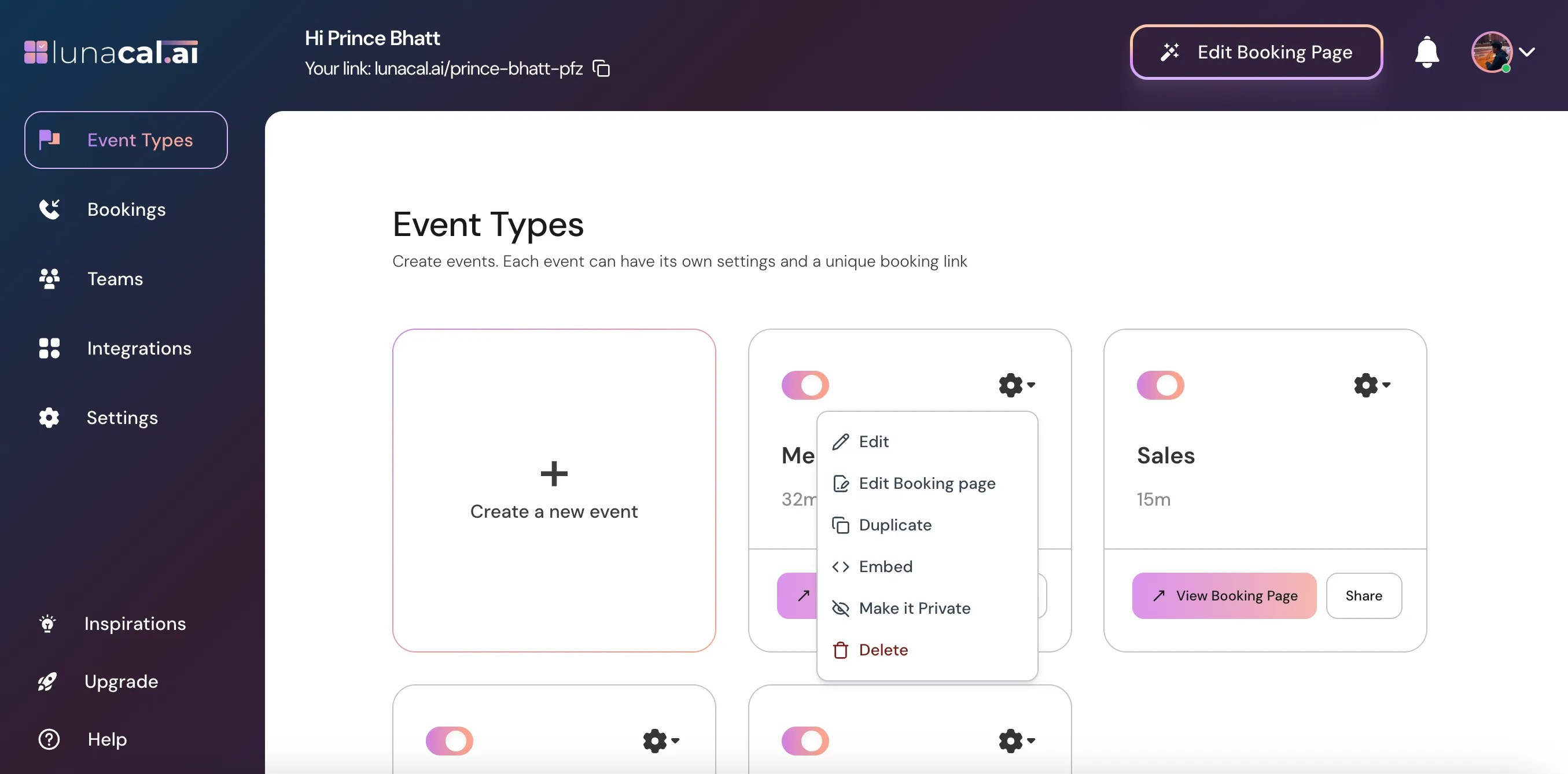
Step 3
Choose Edit from the dropdown.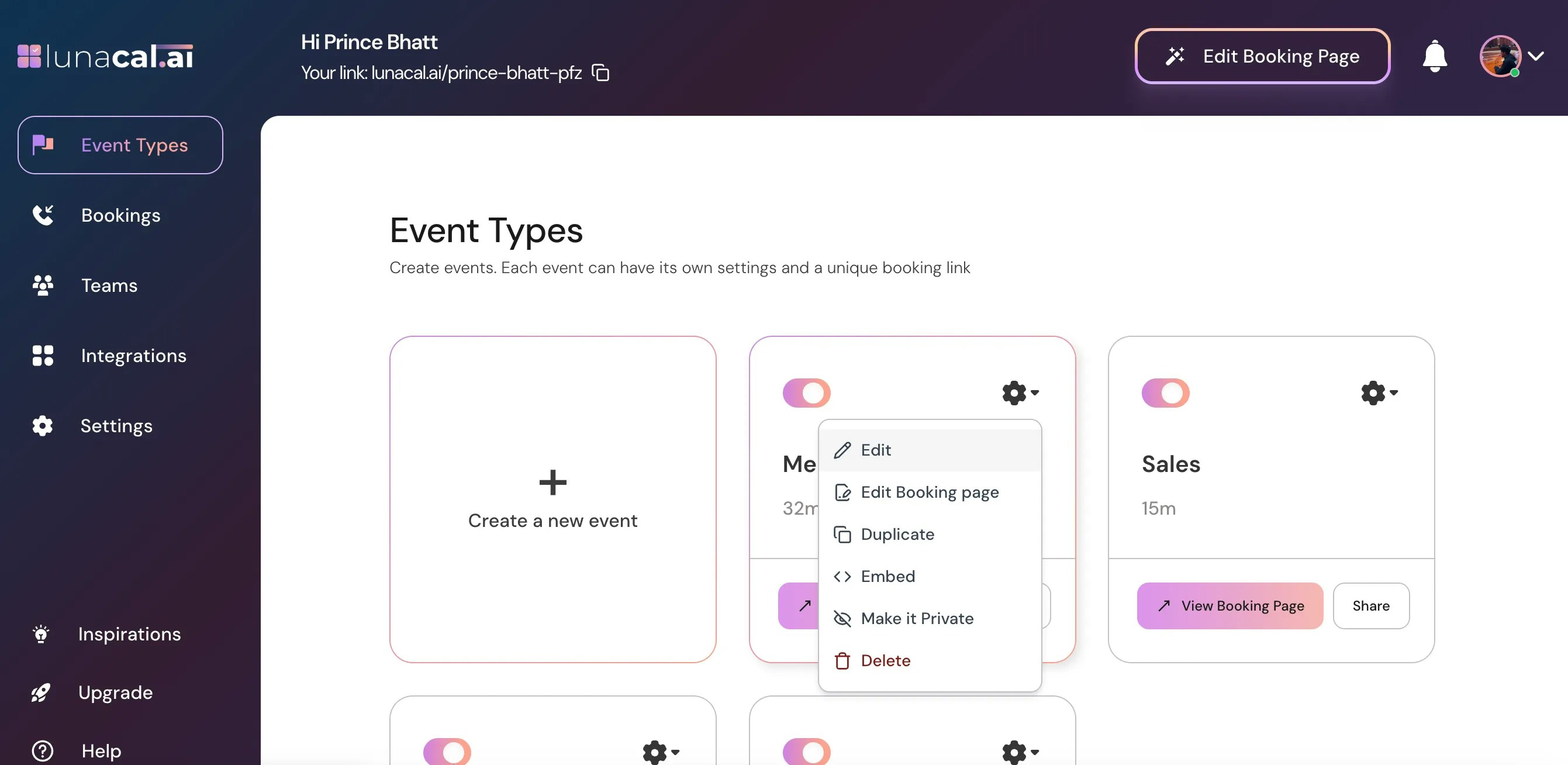
Step 4
Click on the Availability section.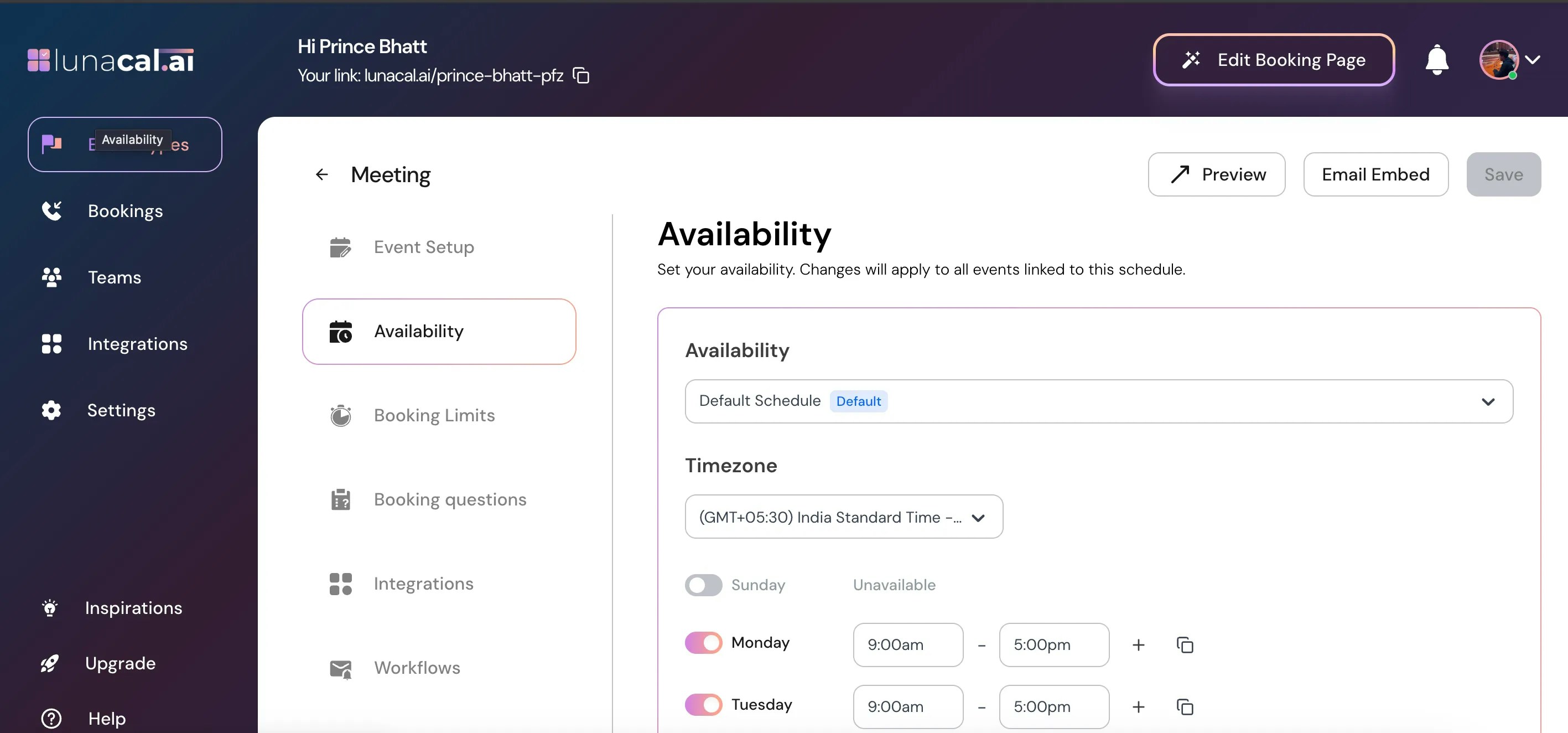
Step 5
Scroll down and click on Add exception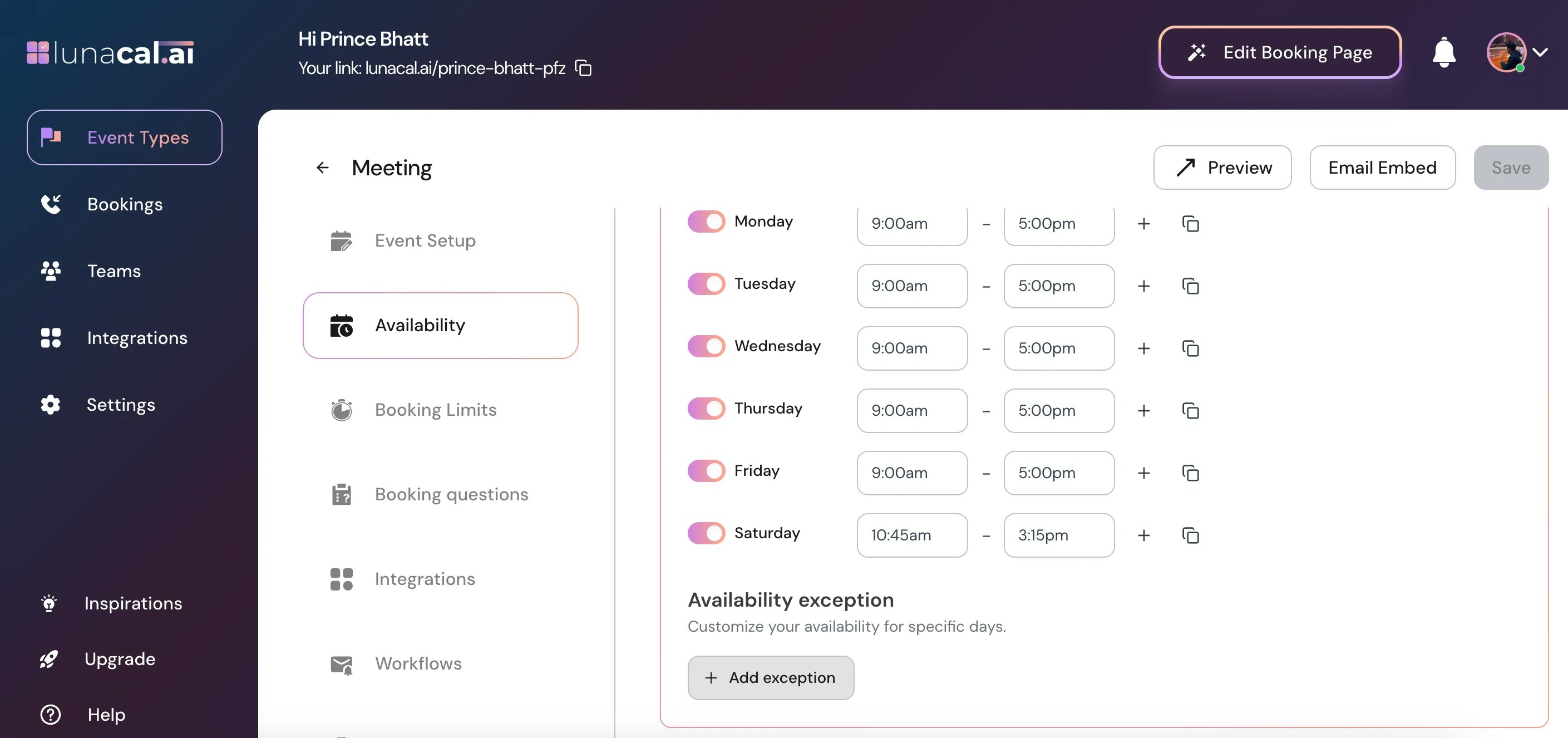
Step 6
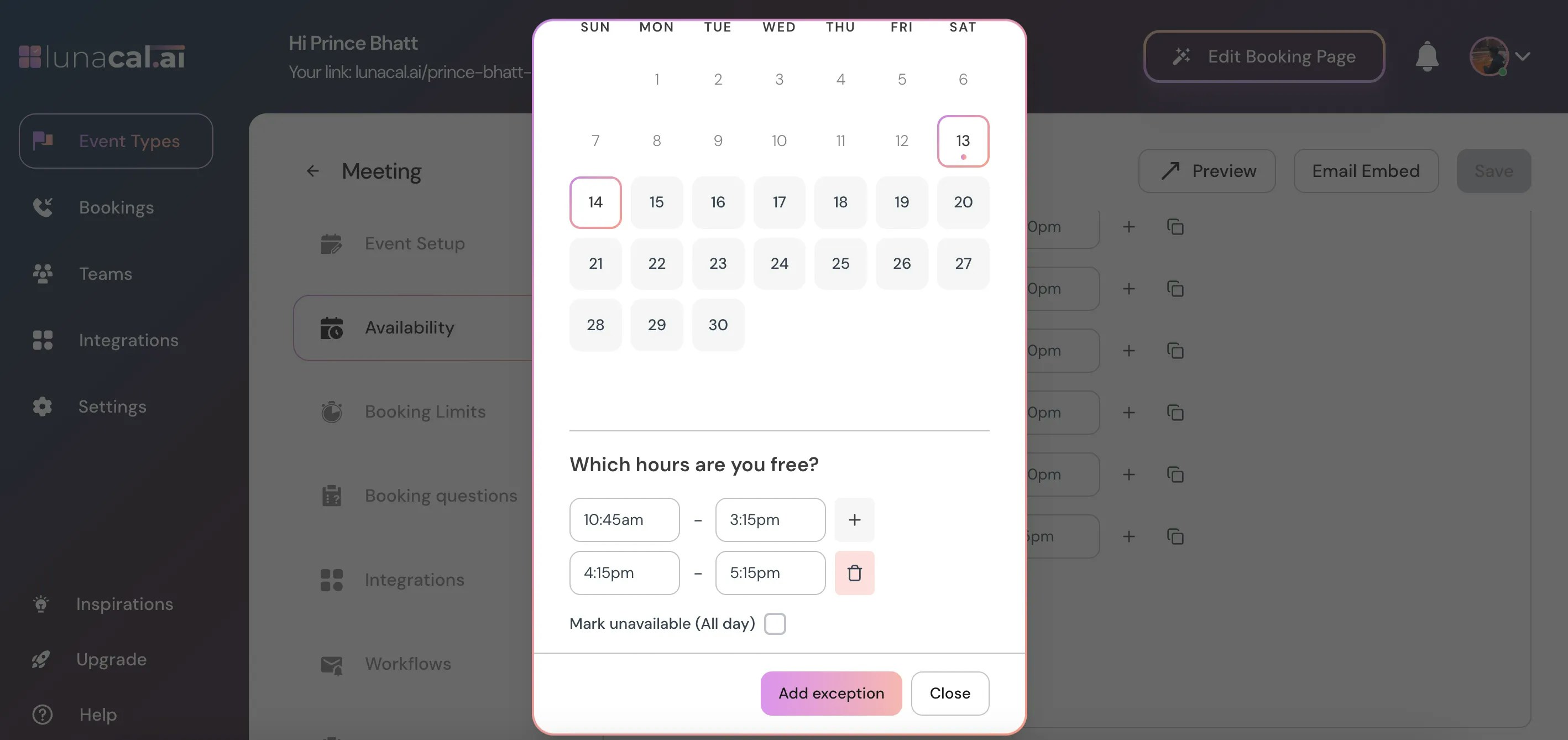
Select the dates you want to set an exception.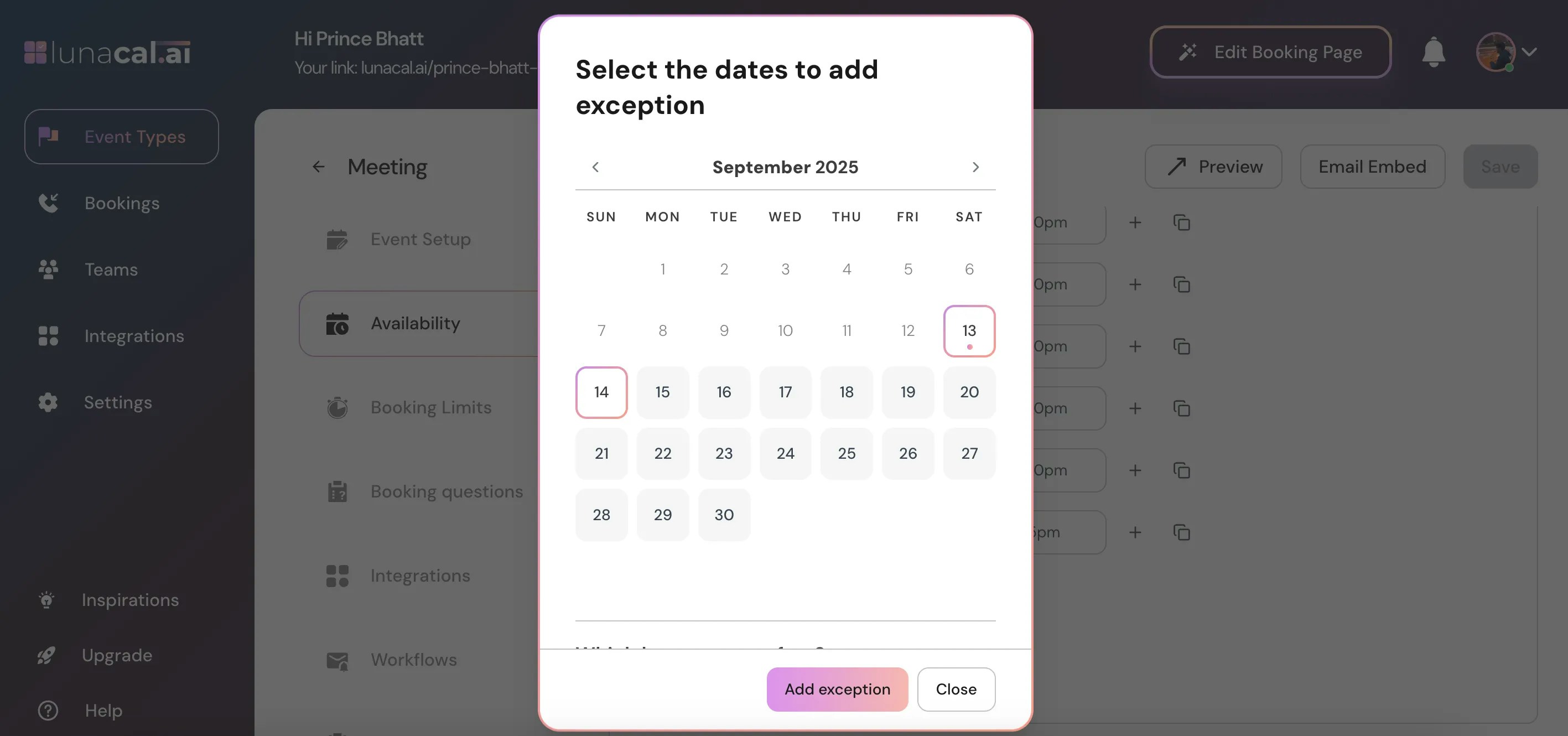
Step 7
Scroll down and set the time range you’re available for that date.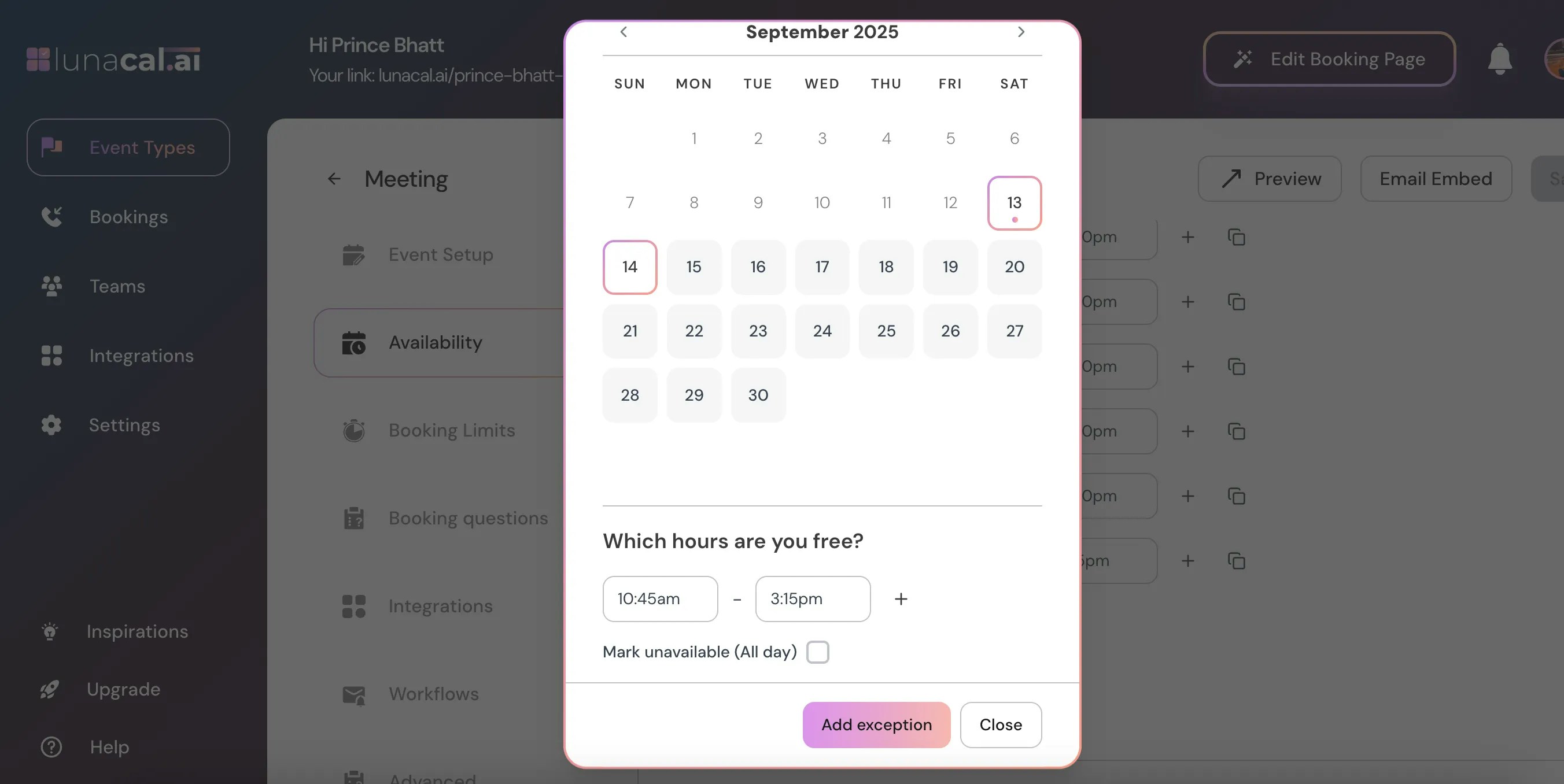
Step 8
Click the ”+” button to add multiple time ranges if you’re available at different slots during the same day.