
What is meeting duration?

Meeting duration is the length of an appointment. A fixed duration gives every booking of an event the same length. Flexible Duration lets invitees choose from the meeting lengths you offer when they book. In LunaCal’s appointment scheduling software, manage meeting length under Event Types → select an event → Edit → Event Setup.

Which duration option should I use?

How to set meeting duration in LunaCal

Open Event Types

Go to Event Types in your dashboard.
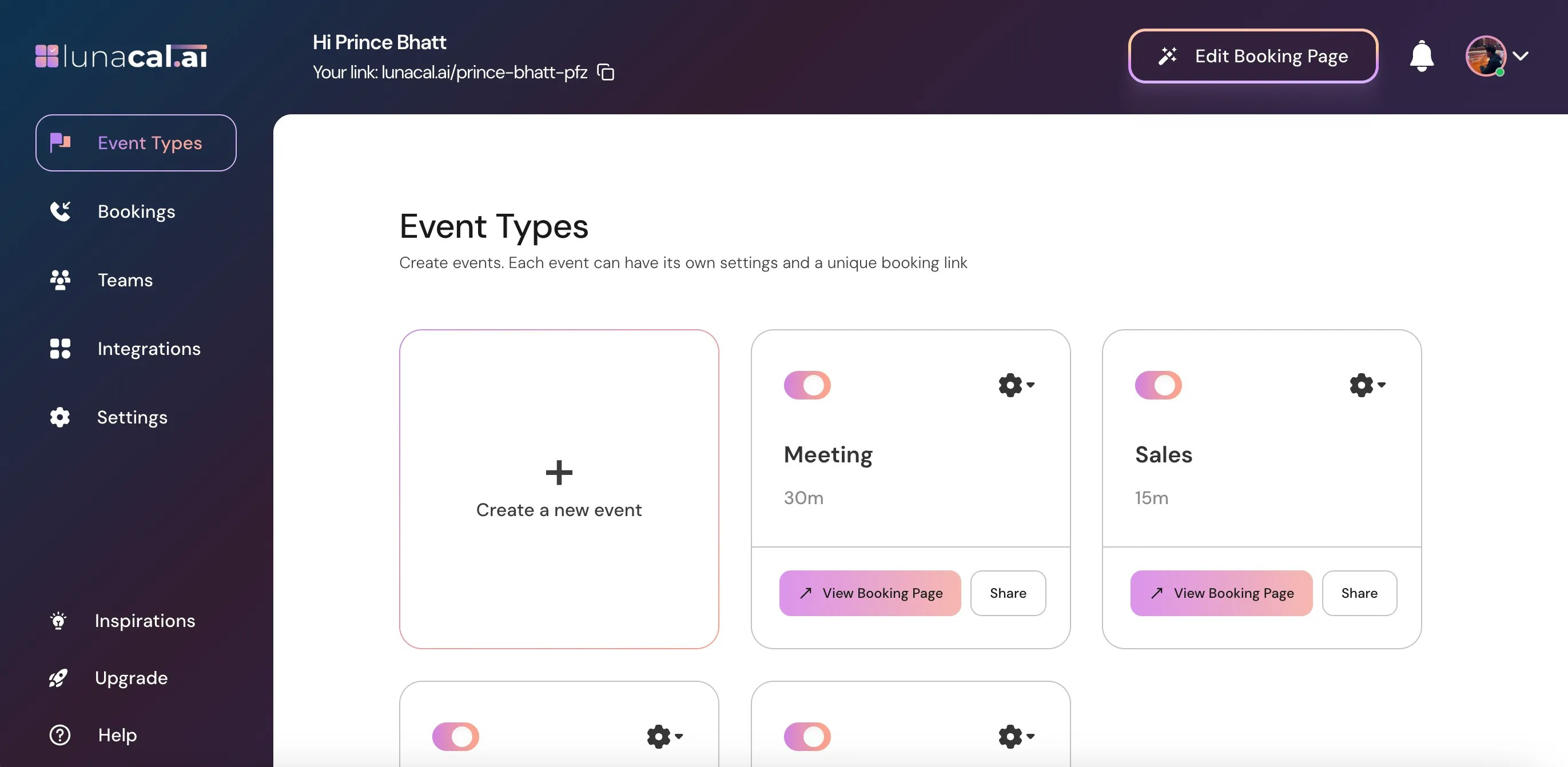
Open Event Types in the LunaCal dashboard

Select the event

Find the event whose duration you want to change and click the settings icon on its event card.
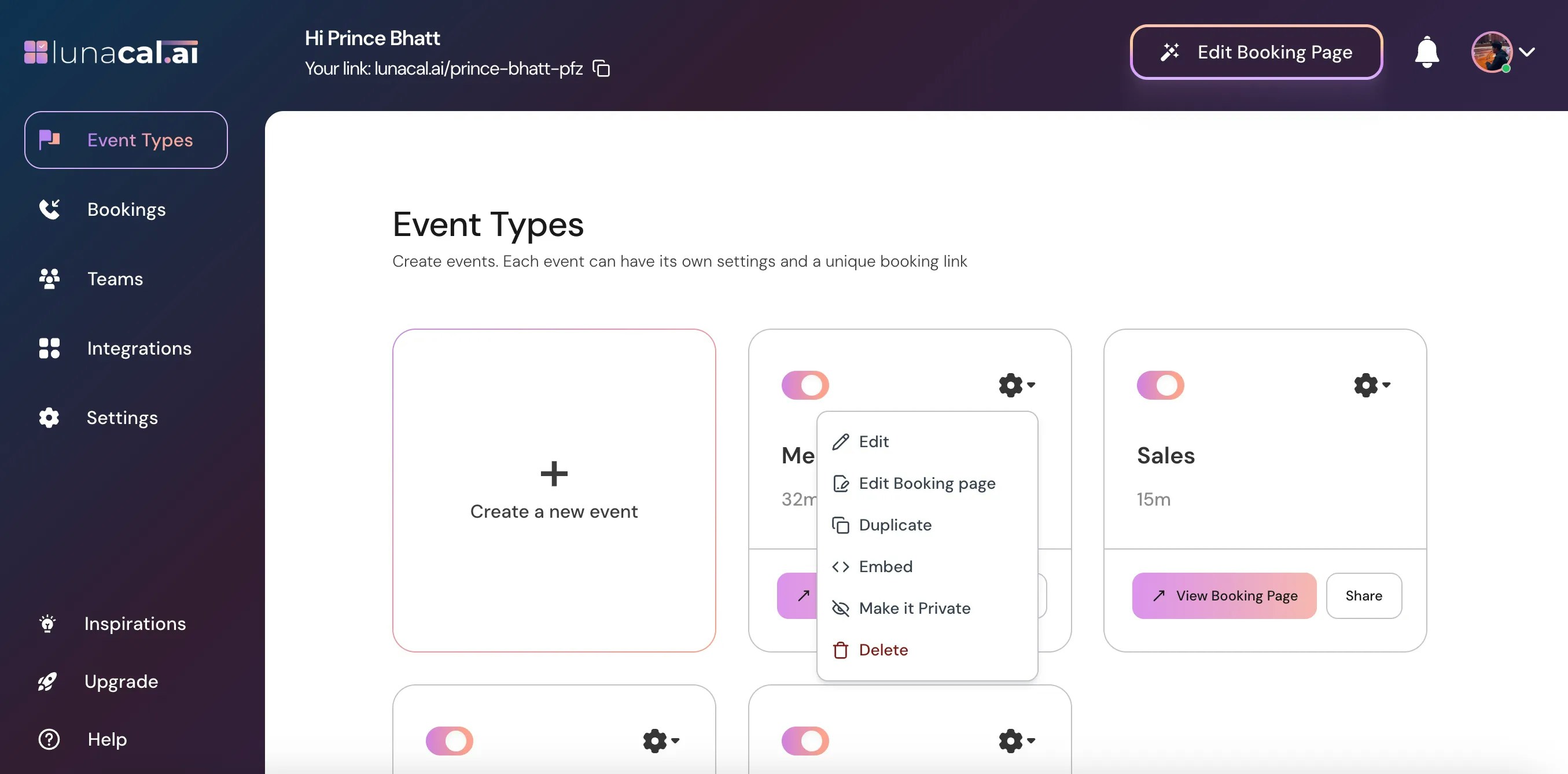
Open settings for the event whose duration you want to change

Edit the event

Choose Edit from the dropdown menu.
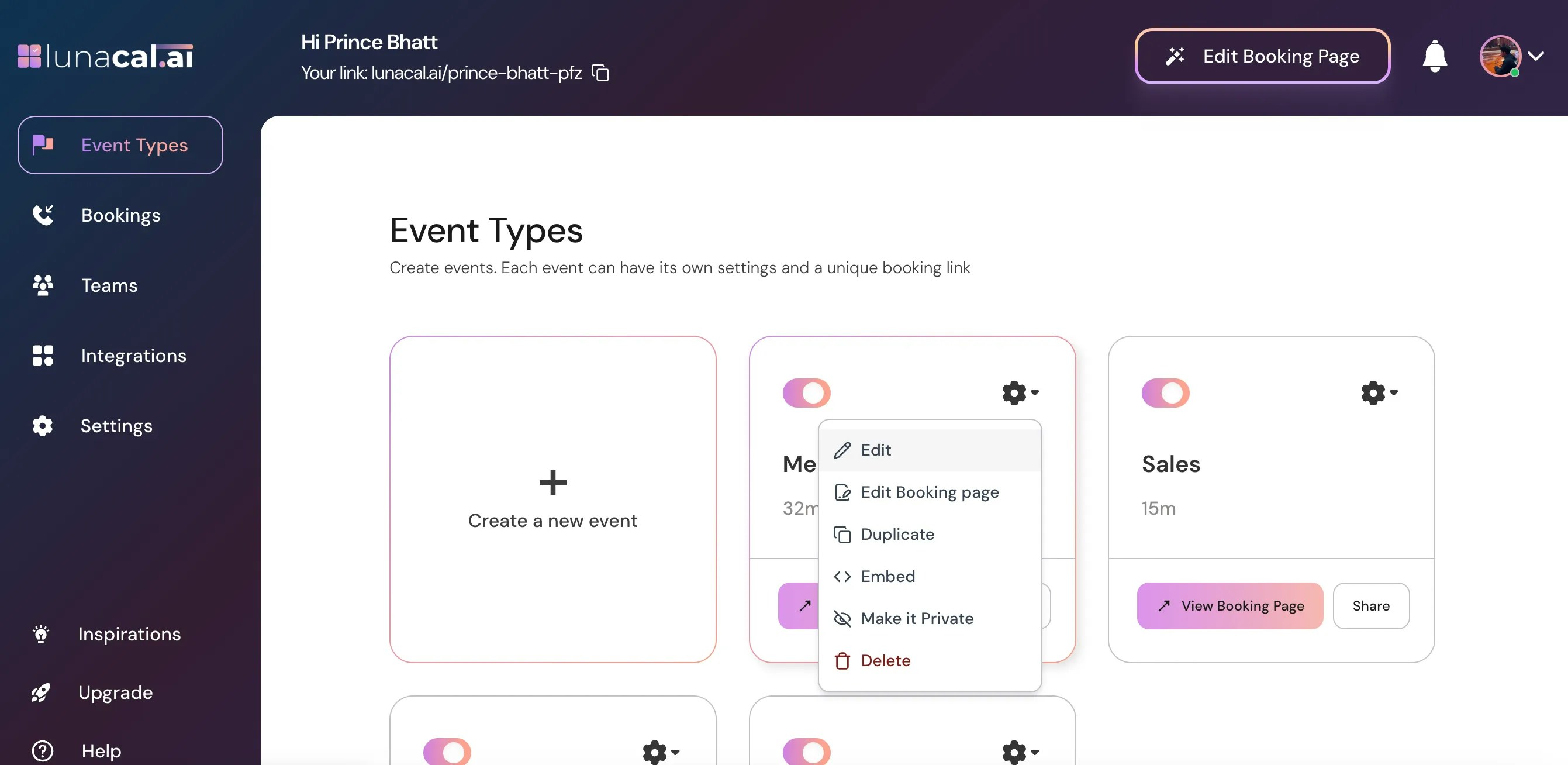
Choose Edit from the event settings menu

Set the appointment length

In Event Setup, find Duration and enter the meeting length you want to offer. Pricing stays the same across durations. Selecting a longer meeting under Flexible Duration does not change the price. If different lengths need different prices, create separate event types.
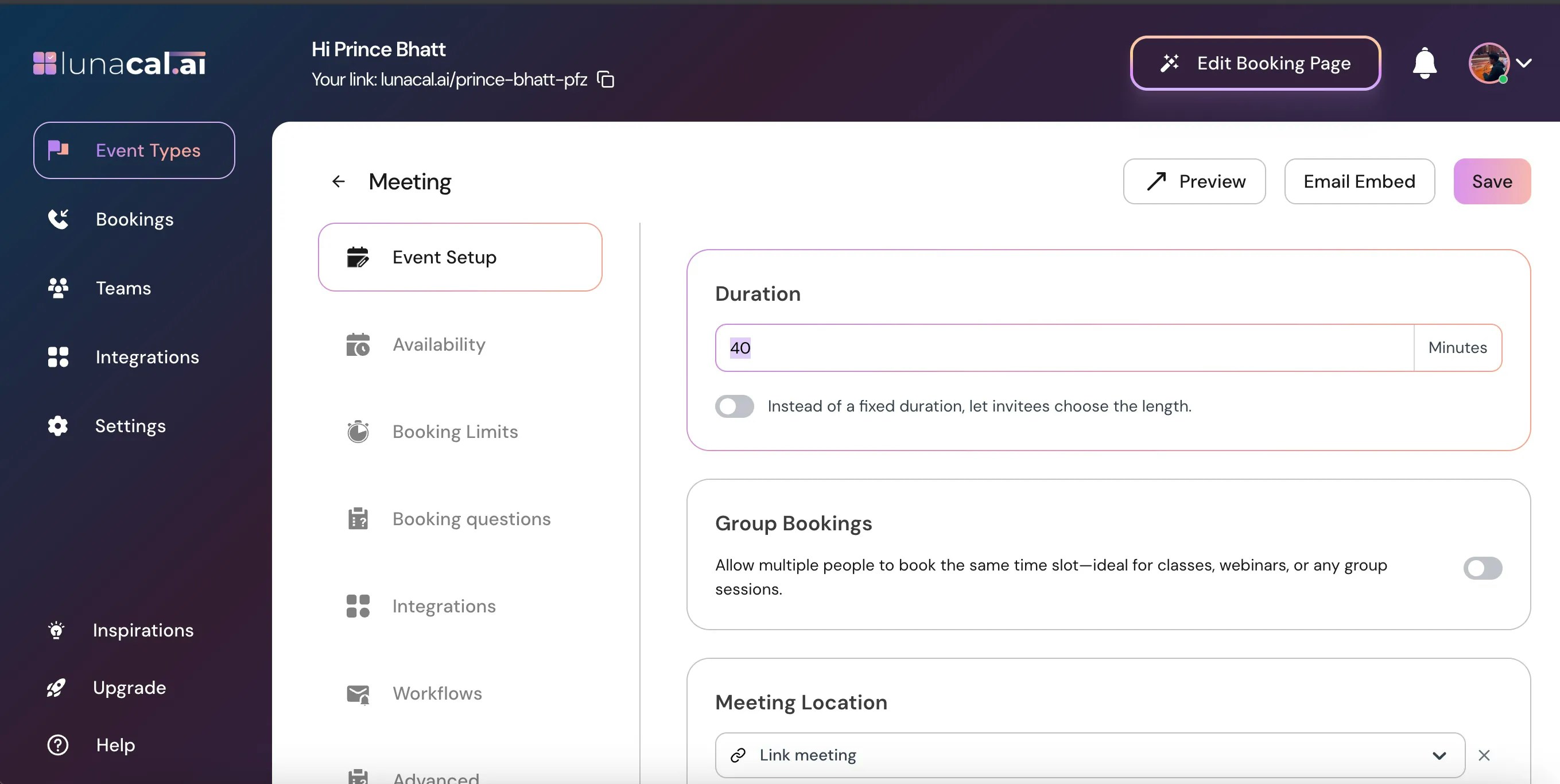
Set the meeting duration in Event Setup

Turn on Flexible Duration

Turn Flexible Duration on to let invitees choose the meeting length instead of booking a fixed duration.
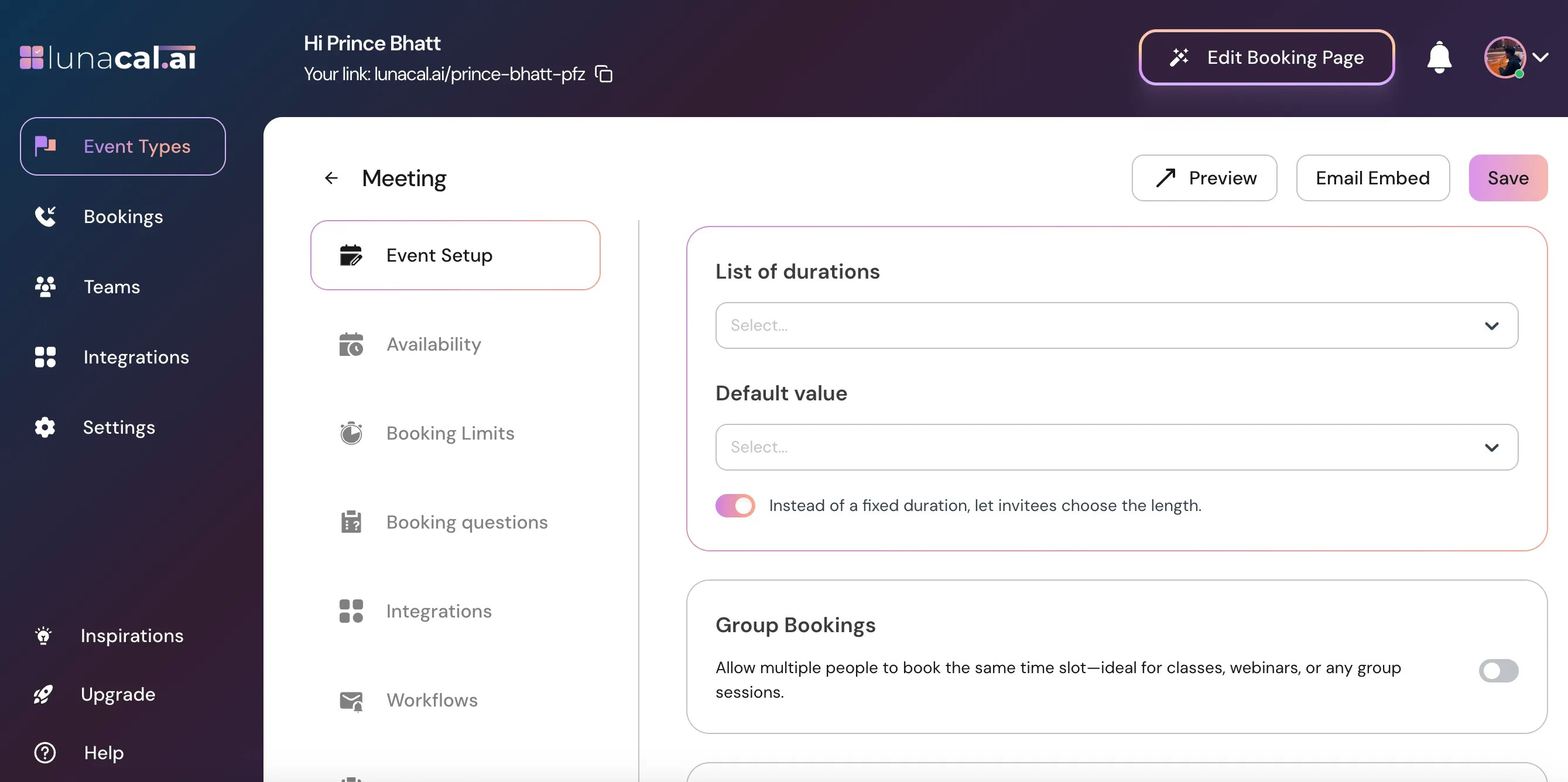
Turn on Flexible Duration for an event

Add the available meeting lengths

Add multiple time options. Invitees can select their preferred duration from this list when booking. Example: Offer 15-, 30-, and 60-minute consultations on one event so clients can choose the time they need. All three lengths use the same price.
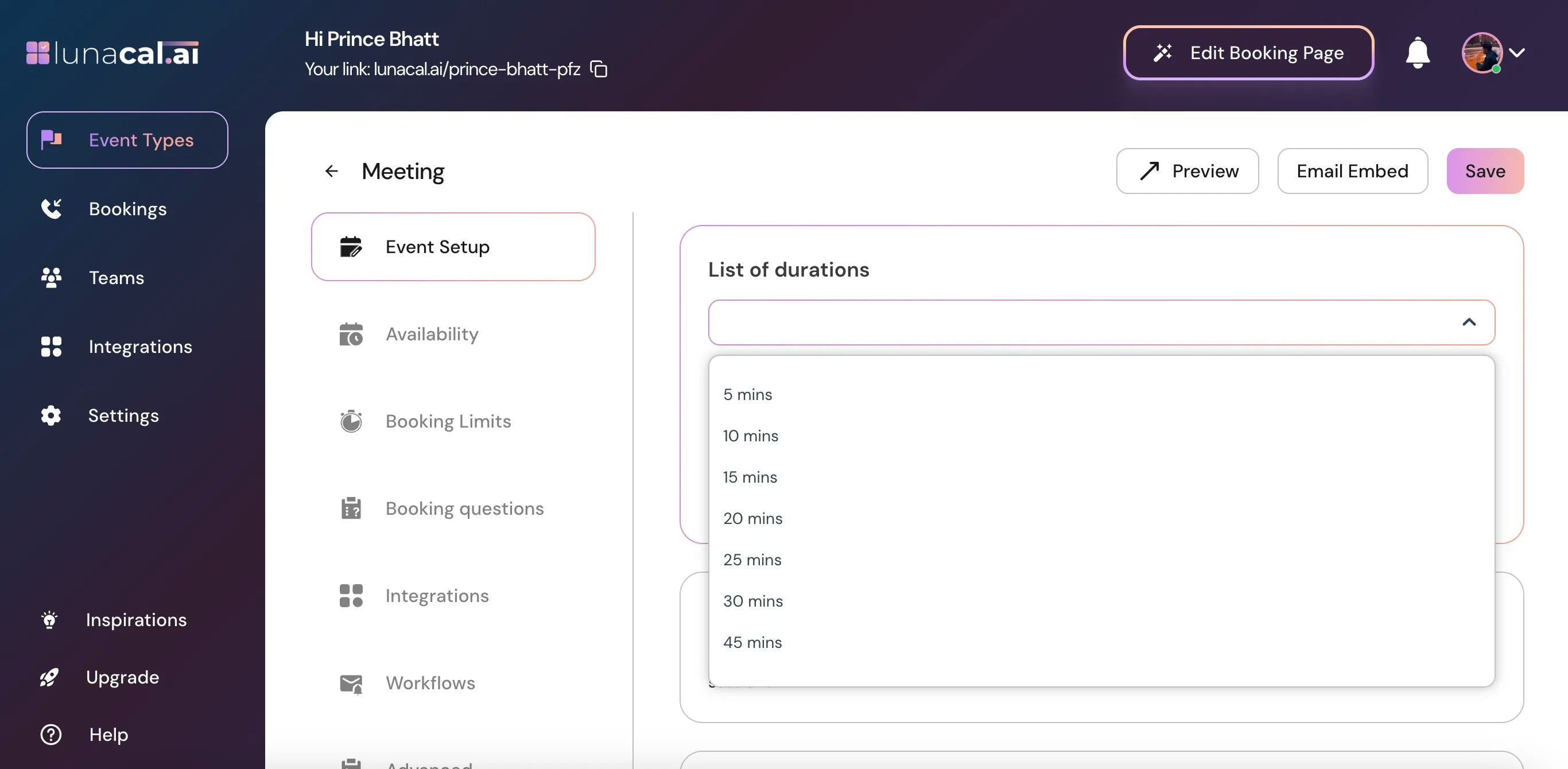
Add meeting length options for invitees to choose from

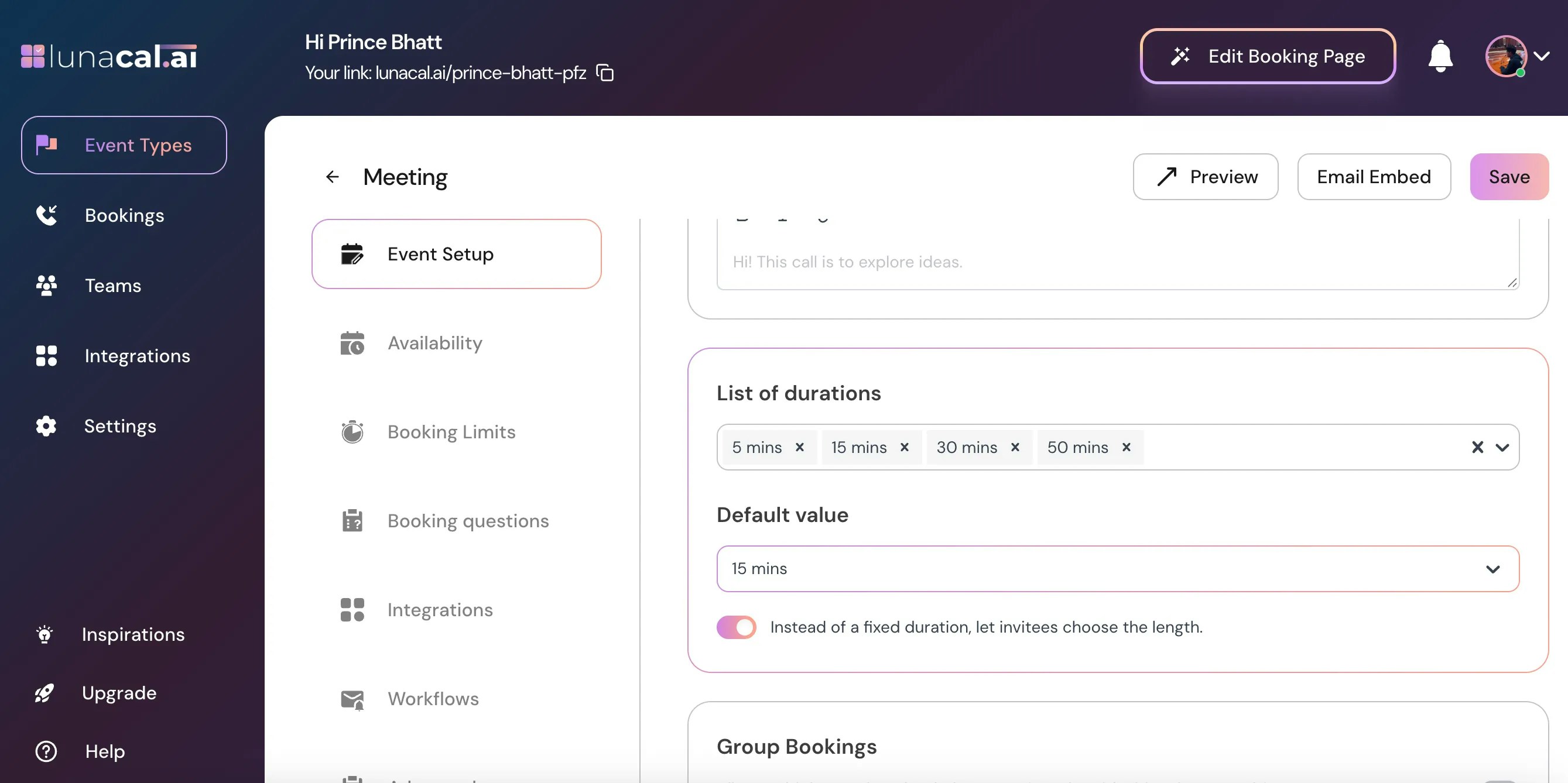
Choose the default duration

Use Default Value below the list of durations to choose the meeting length pre-selected when someone opens your booking page. Example: If most consultations need half an hour, select 30 minutes as the default while keeping the shorter and longer options available.
Select the default meeting duration

Save your changes

Click Save to apply the duration settings.
Save the meeting duration settings

Check your booking page

  • Review your booking limits and buffer times for compatibility with the meeting lengths you offer.
  • After saving, preview the booking page to confirm that the duration dropdown behaves as expected.

Why use LunaCal for flexible appointment lengths?

LunaCal’s scheduling tool lets you offer a choice of meeting lengths within one event. Invitees can select the time they need without choosing between separate event types for each length. A Default Value pre-selects a starting option while leaving the other lengths available. Use Flexible Duration when the lengths share a price; use separate event types when each length needs its own price.

Frequently asked questions

How do I let clients choose their appointment length?

In LunaCal, turn on Flexible Duration in the event’s Event Setup section and add the lengths you want to offer. Clients can then choose a duration from the list when booking. Save your changes and preview the booking page to check the options.

How do I set the default meeting length?

Use Default Value below the duration list in LunaCal to choose the length pre-selected when the booking page opens. With Flexible Duration enabled, invitees can still choose another length from the options you provide.

Can I charge different prices for different appointment lengths?

Different prices require separate event types in LunaCal. Flexible Duration lets invitees choose a meeting length, but the price remains the same even when they select a longer appointment.

How do I add a break between appointments?

Set Buffer Before or Buffer After under the event’s Booking Limits settings in LunaCal. Buffer time reserves time around the appointment for preparation or follow-up. See booking limits and buffer times for the setup instructions.