Step 1
Go to Event Type in your dashboard.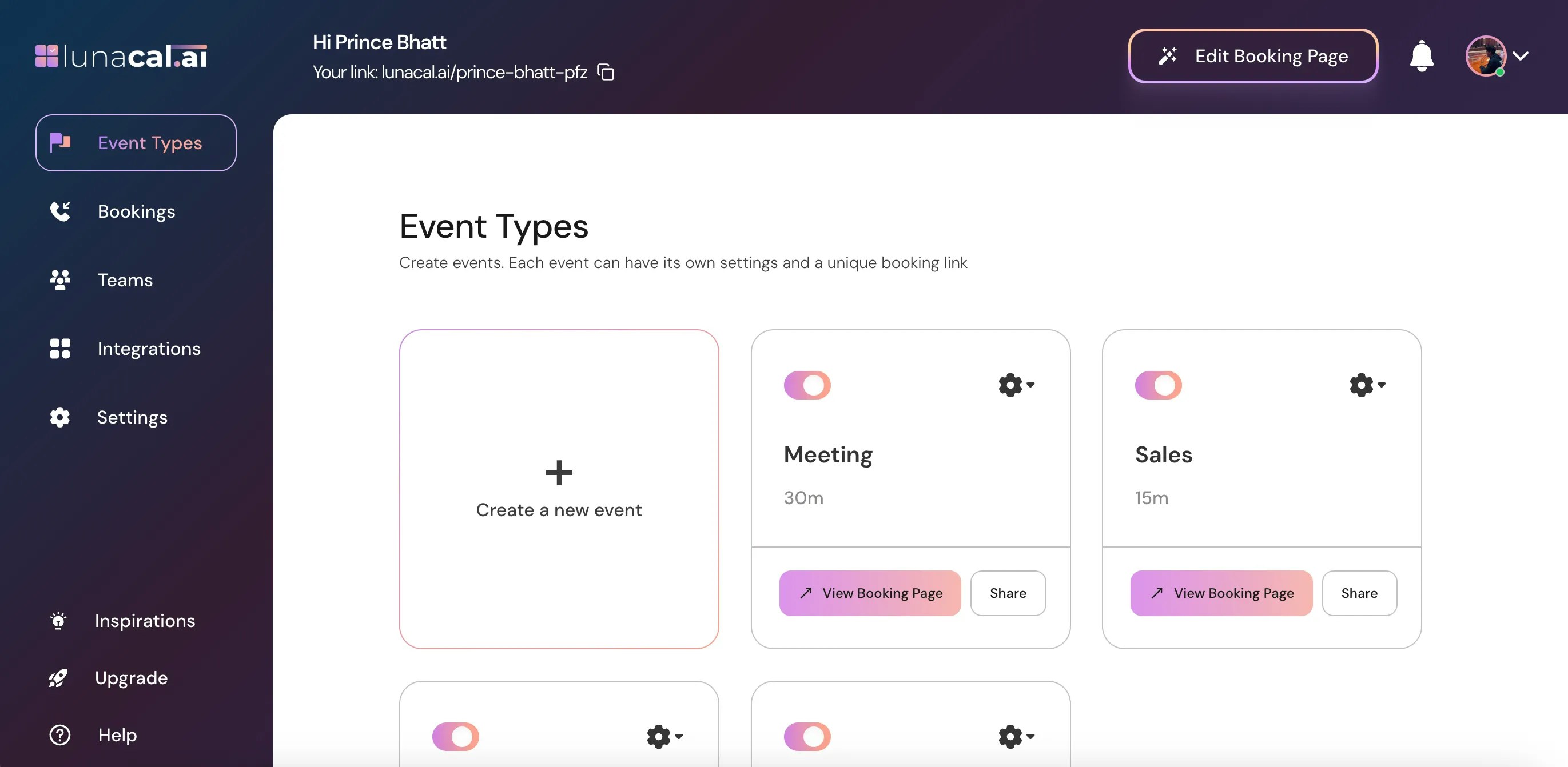
Step 2
Select the event for which you want to set up a redirect after booking and click on the Settings (⚙️) icon on that event card.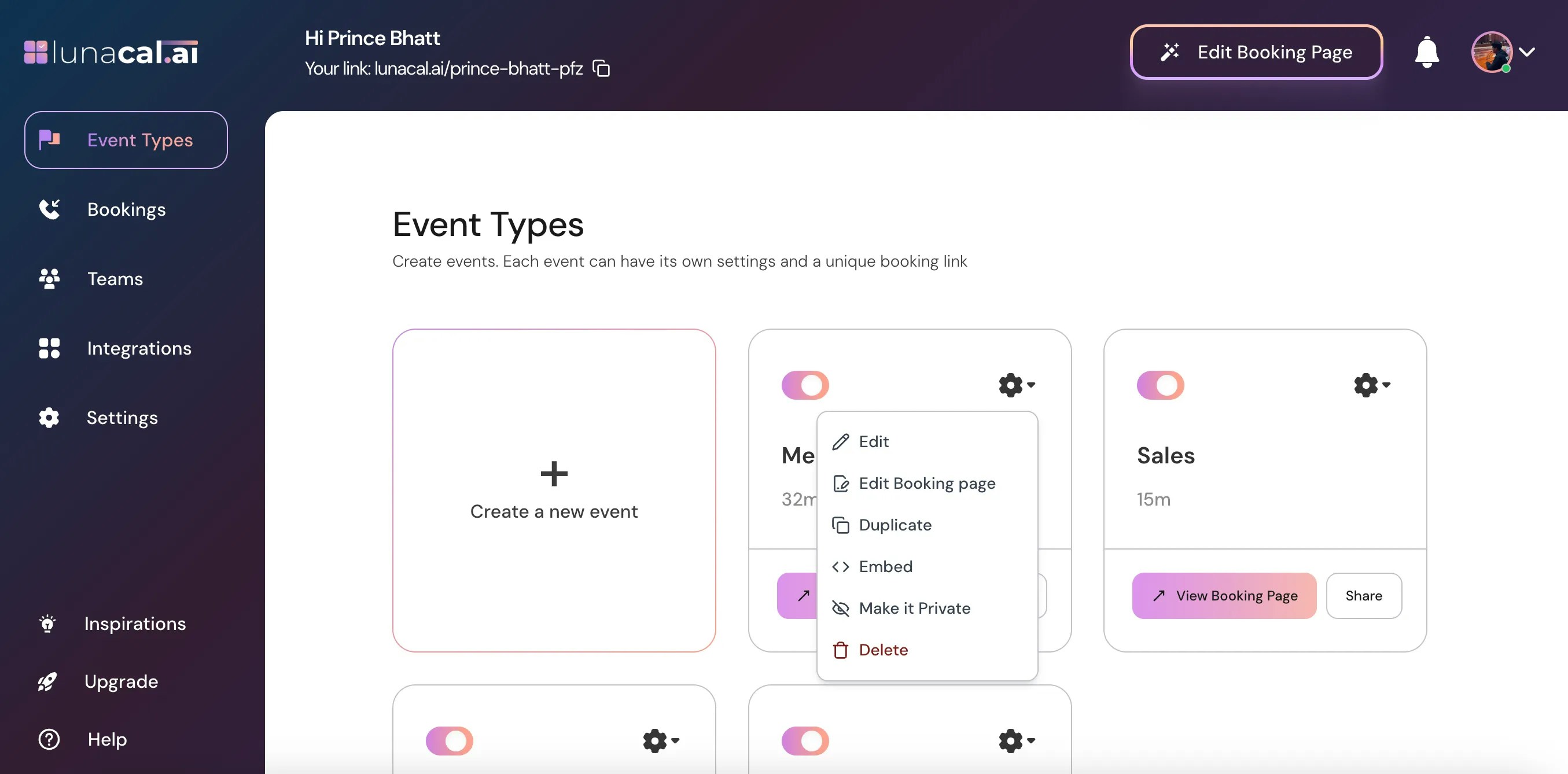
Step 3
Choose “Edit” from the dropdown.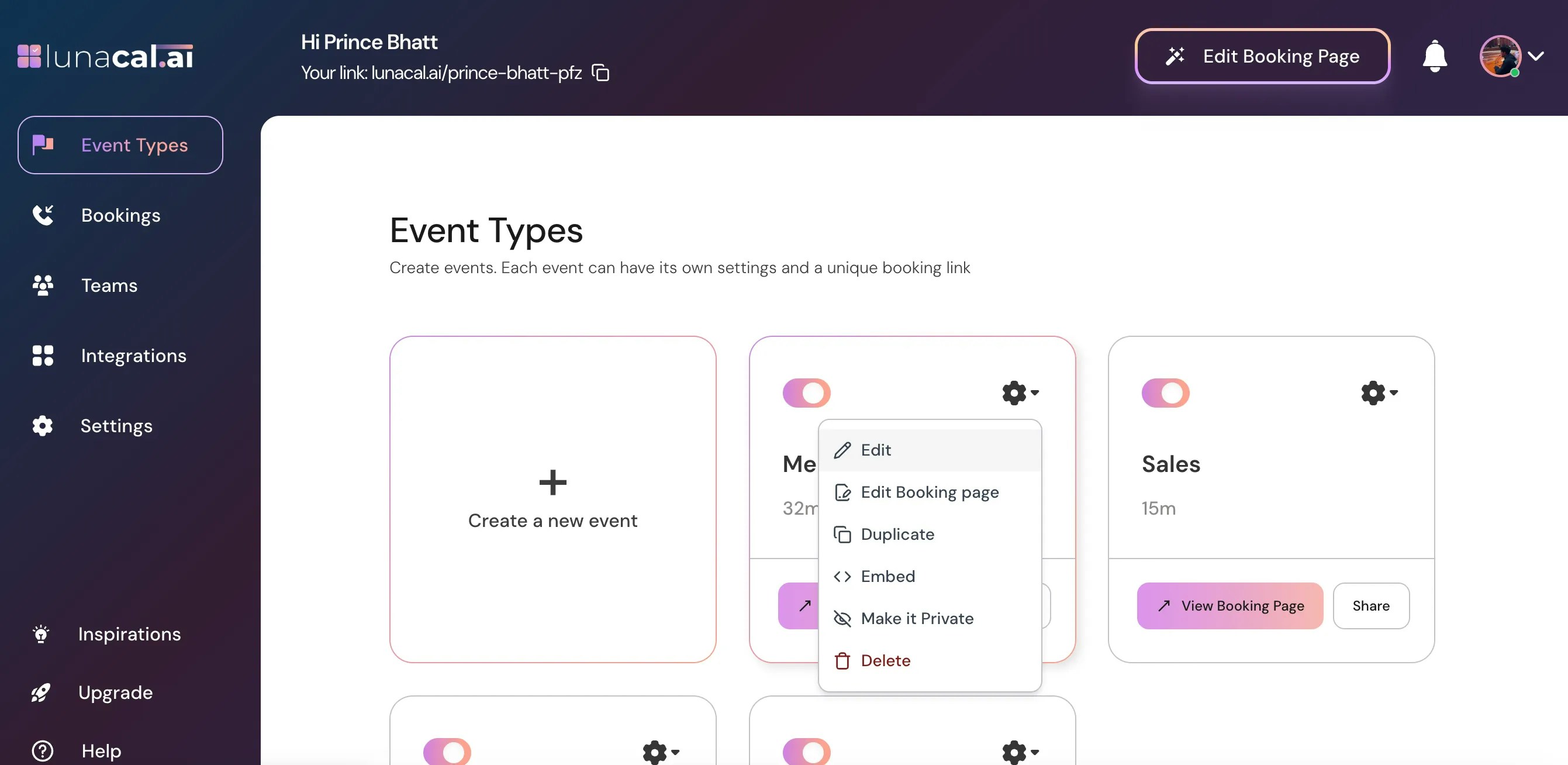
Step 4
In the “Event Types” section, scroll down to find “Advanced.”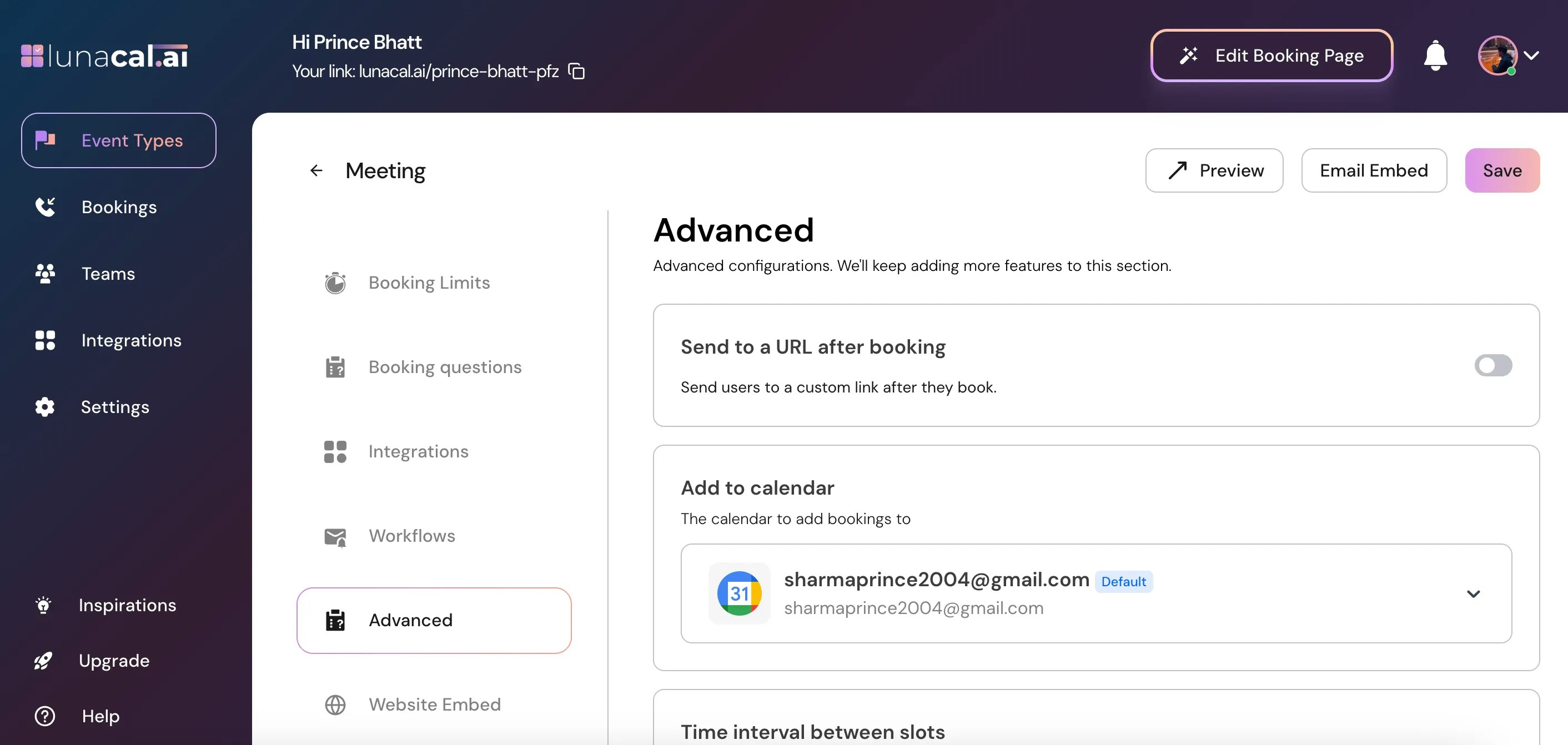
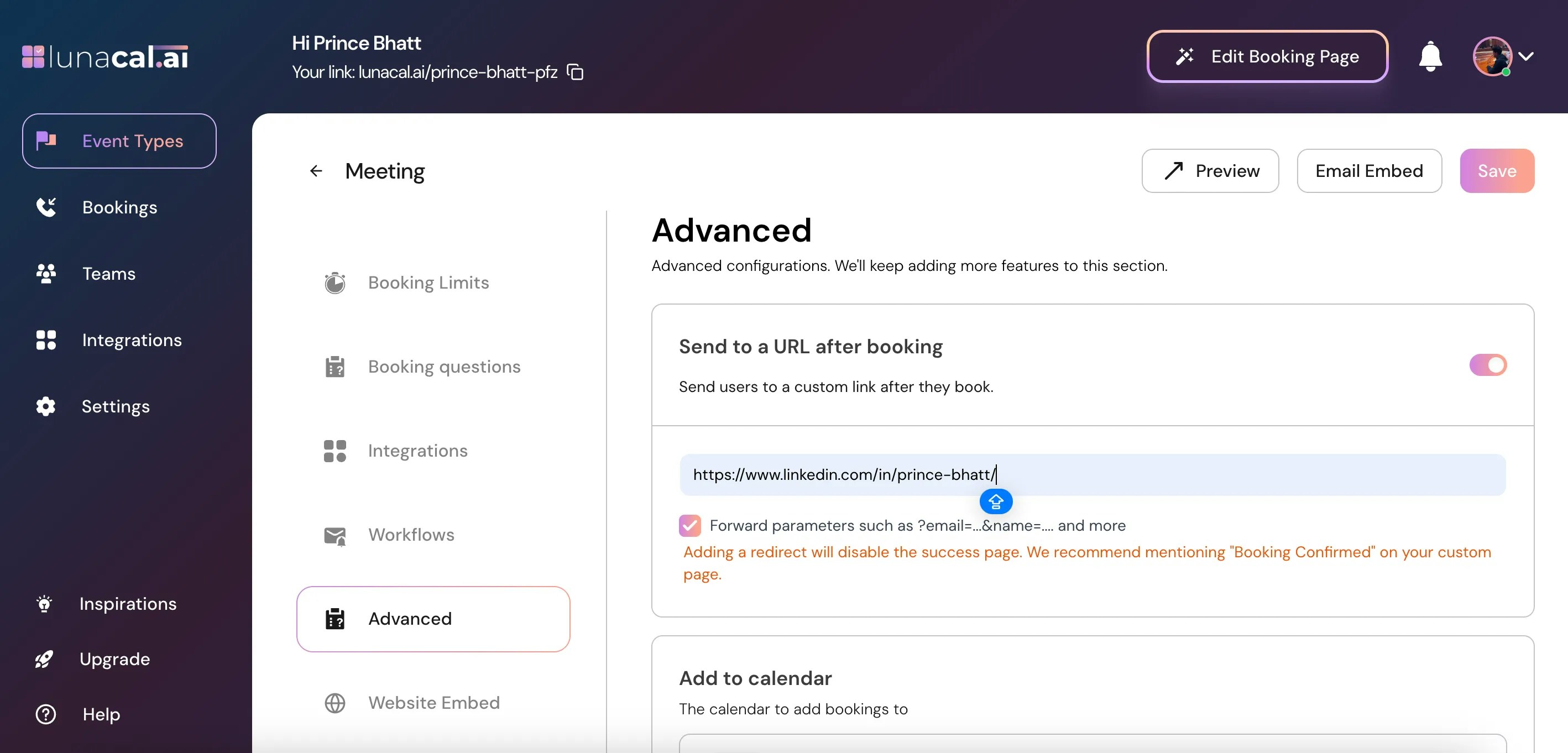
Step 5
Toggle ON “Send to a URL after booking.”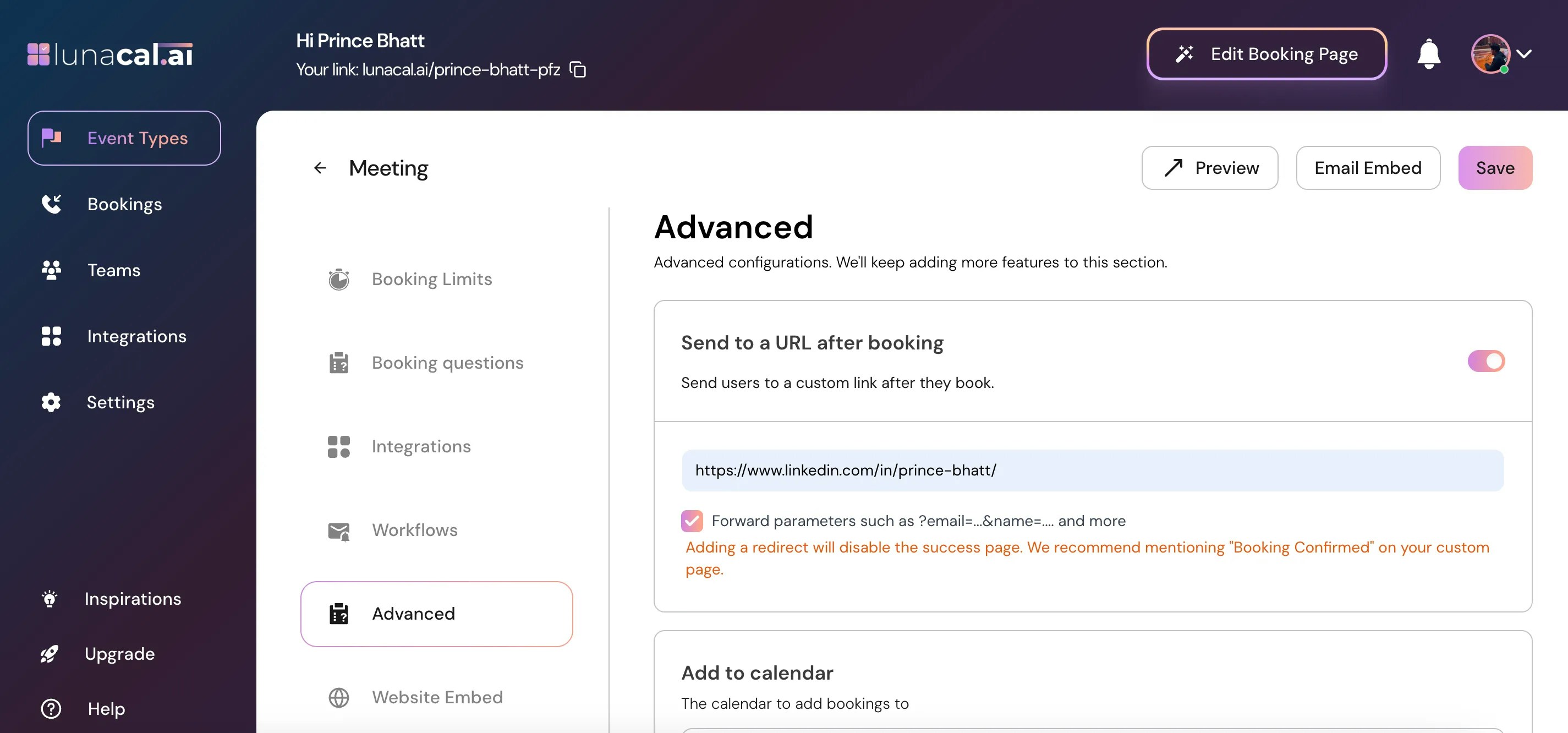
Step 6
Enter or Paste the link you want attendees to be redirected to after booking is confirmed.Examples
- https://yourwebsite.com/thank-you
- https://yourwebsite.com/instructions?utm_source=lunacal
- https://payment-page.com/checkout
☑️ Forward parameters such as ?email=…&name=… and more If you enable this checkbox, Lunacal will automatically append the attendee’s booking details to your redirect URL as query parameters. This means the page you redirect to will receive booking information such as:
email name timezone eventName startTime endTime
When to Use This Option
Enable this when:- You want to pre-fill a form on your website
- You want to track user details in analytics
- You want to pass booking information to your CRM
- You want personalized “Thank You” pages
- You don’t need attendee details
- Your redirect page does not accept parameters
- You want a clean URL
Step 7
Click “Save” to apply the changes.