

How to Connect
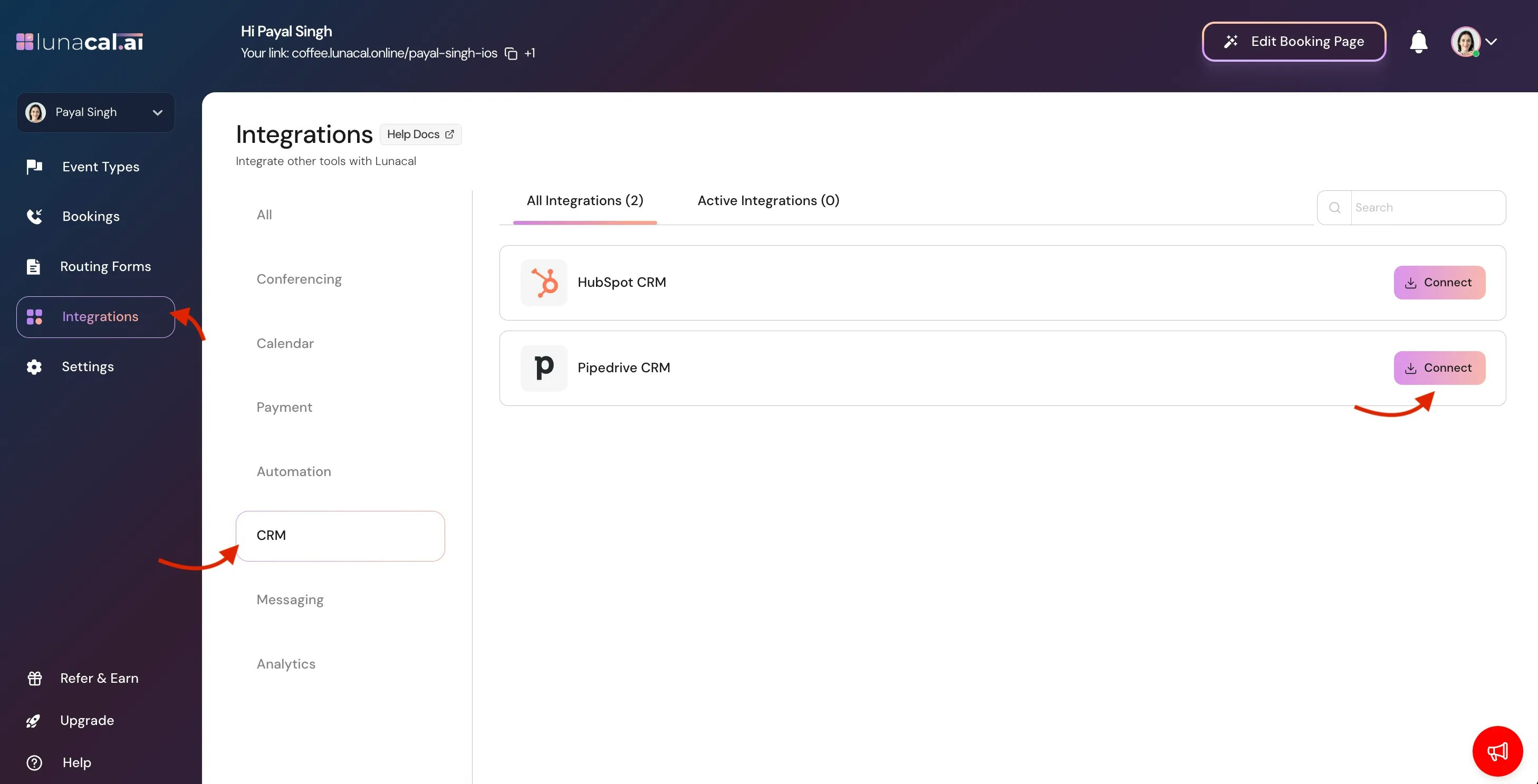
- Go to Integrations > CRM > Pipedrive
-
Click Connect
-
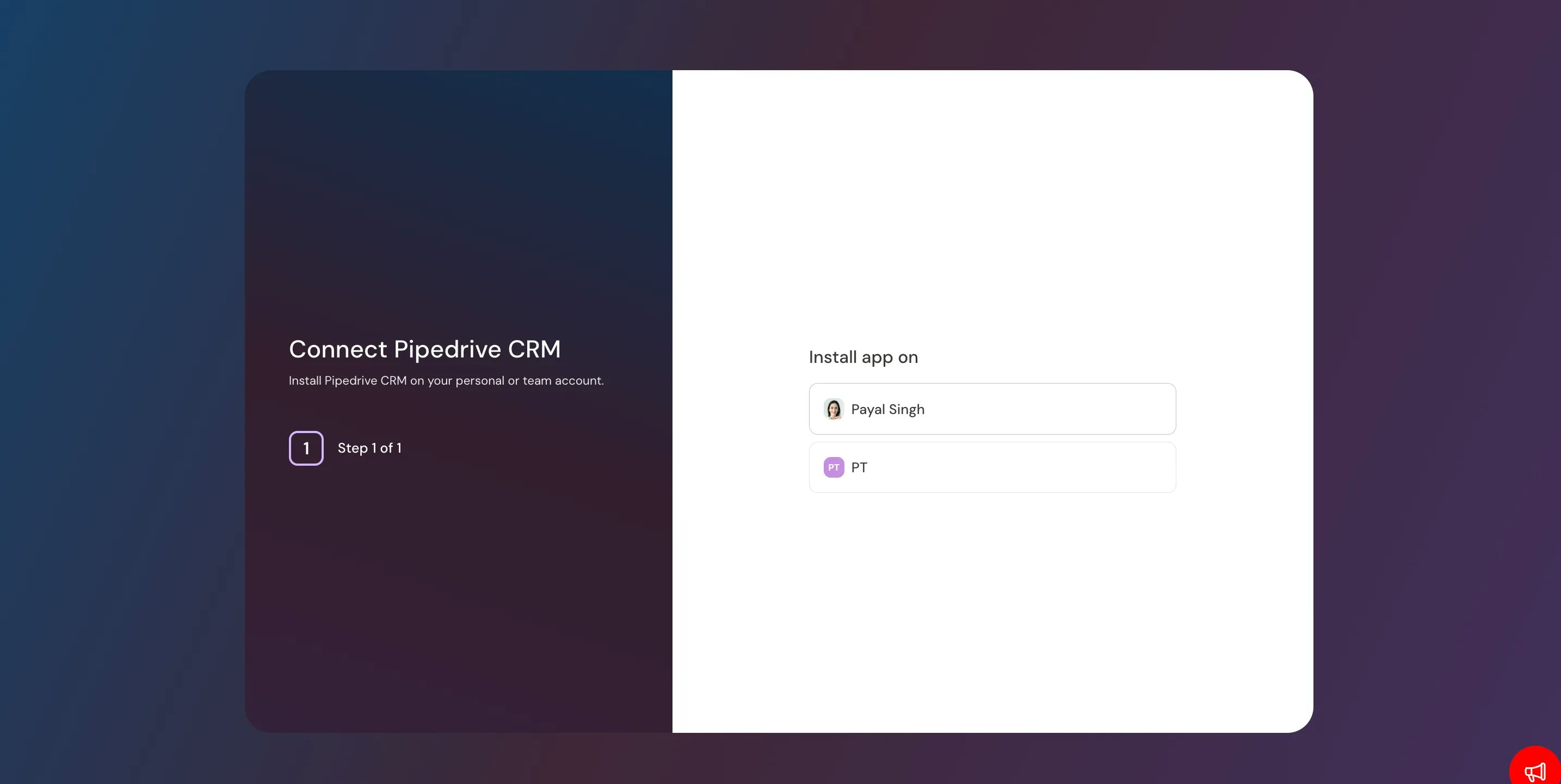
Click on Personal Account (e,g. Payal Singh )
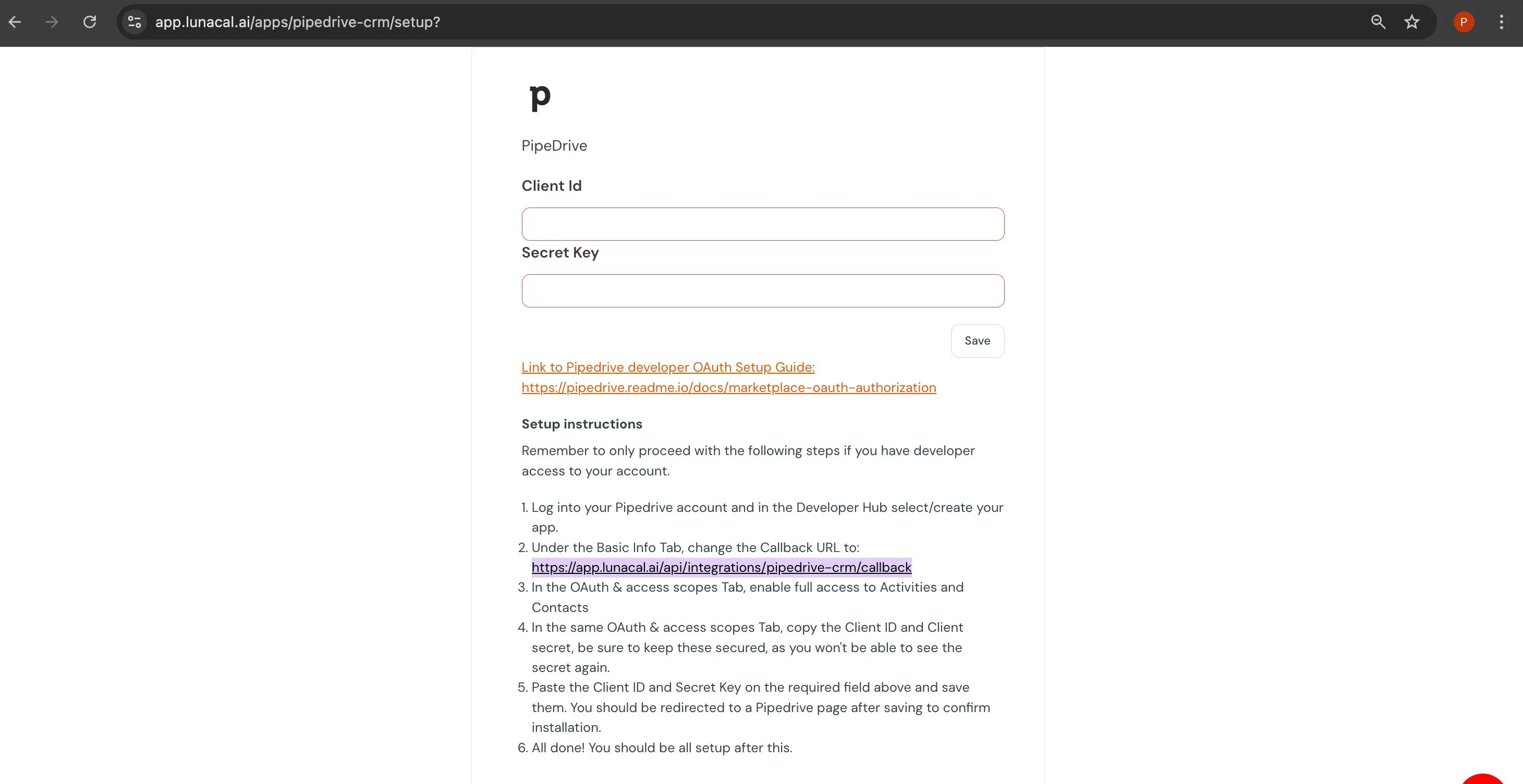
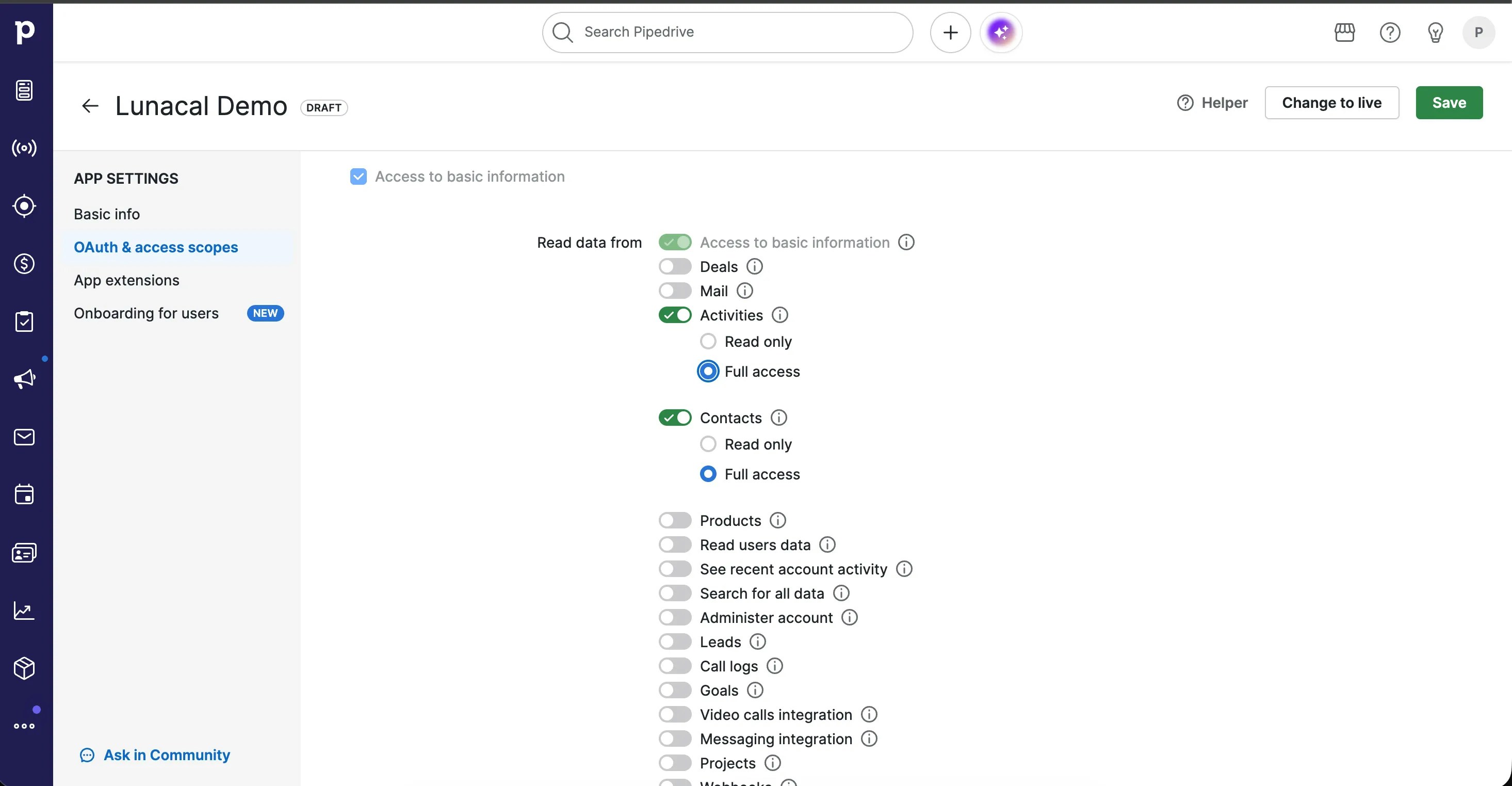
- Enter Client id & Secret key
- before clicking SAVE Copy Callback URL shown in attached image.
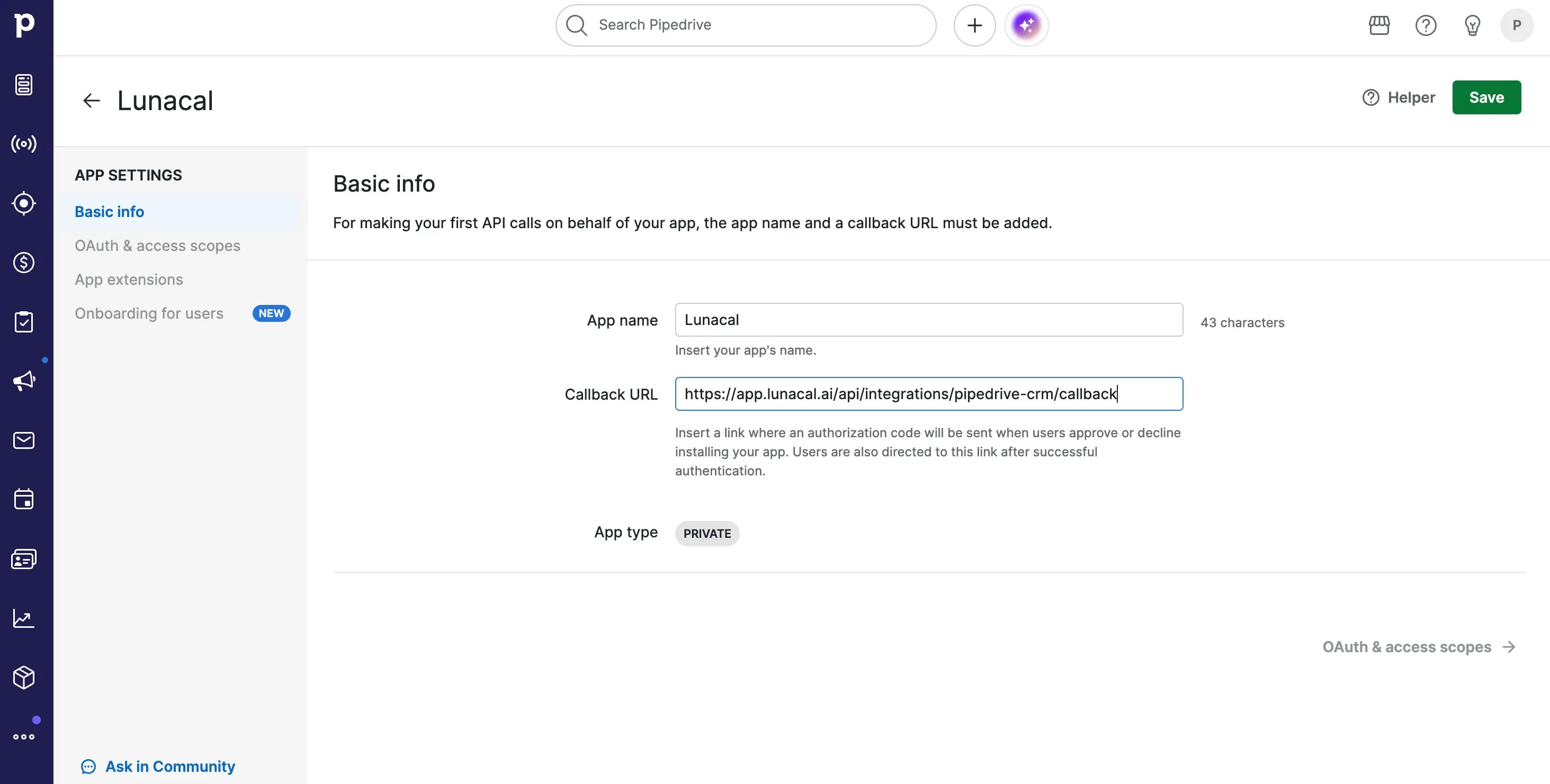
- Access to information
- Contacts → Full access
- Activities → Full access
- Click SAVE
- Setup Completed.
How to Enable Pipedrive Inside Your Events
- Go to Event Types
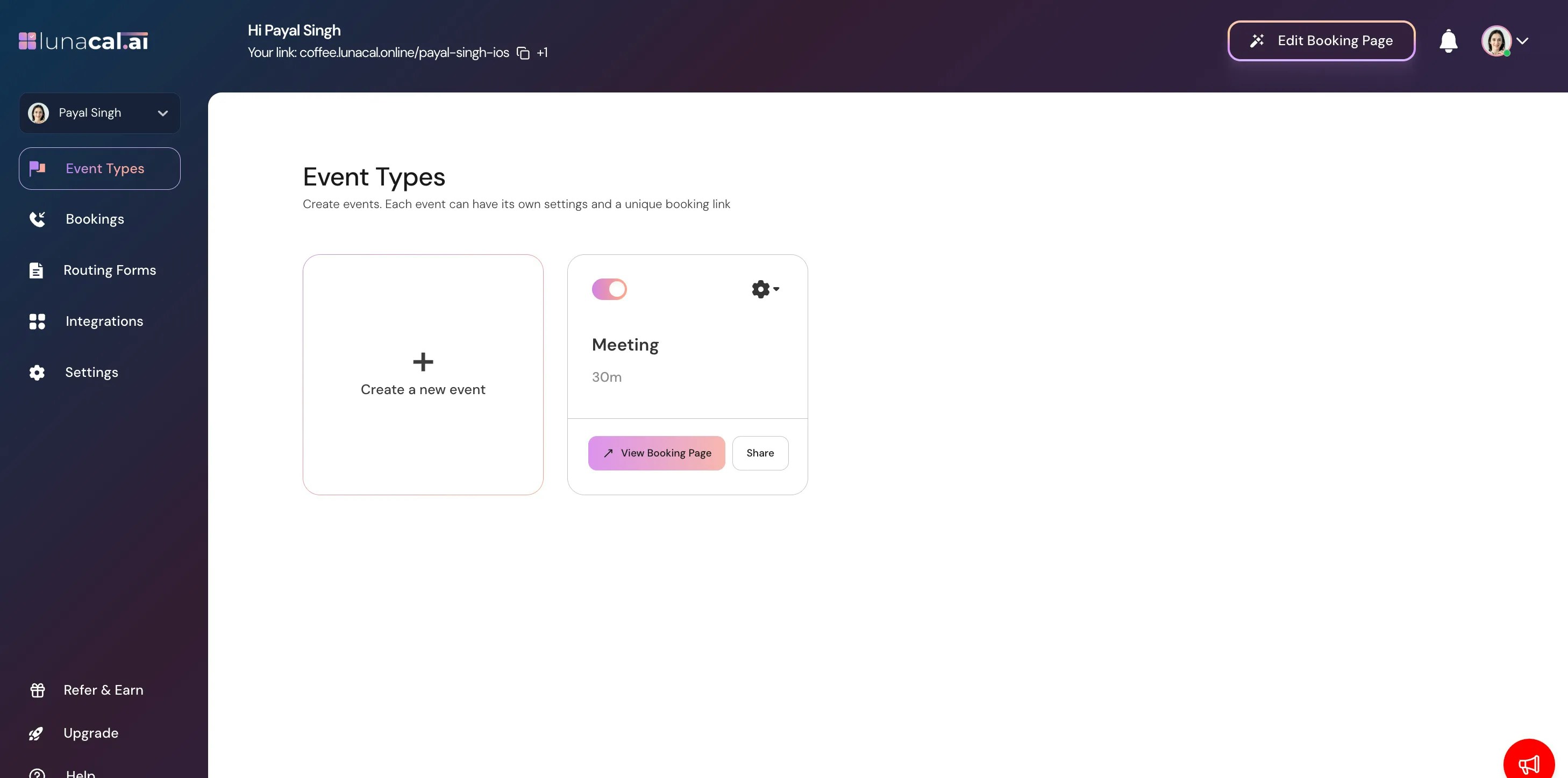
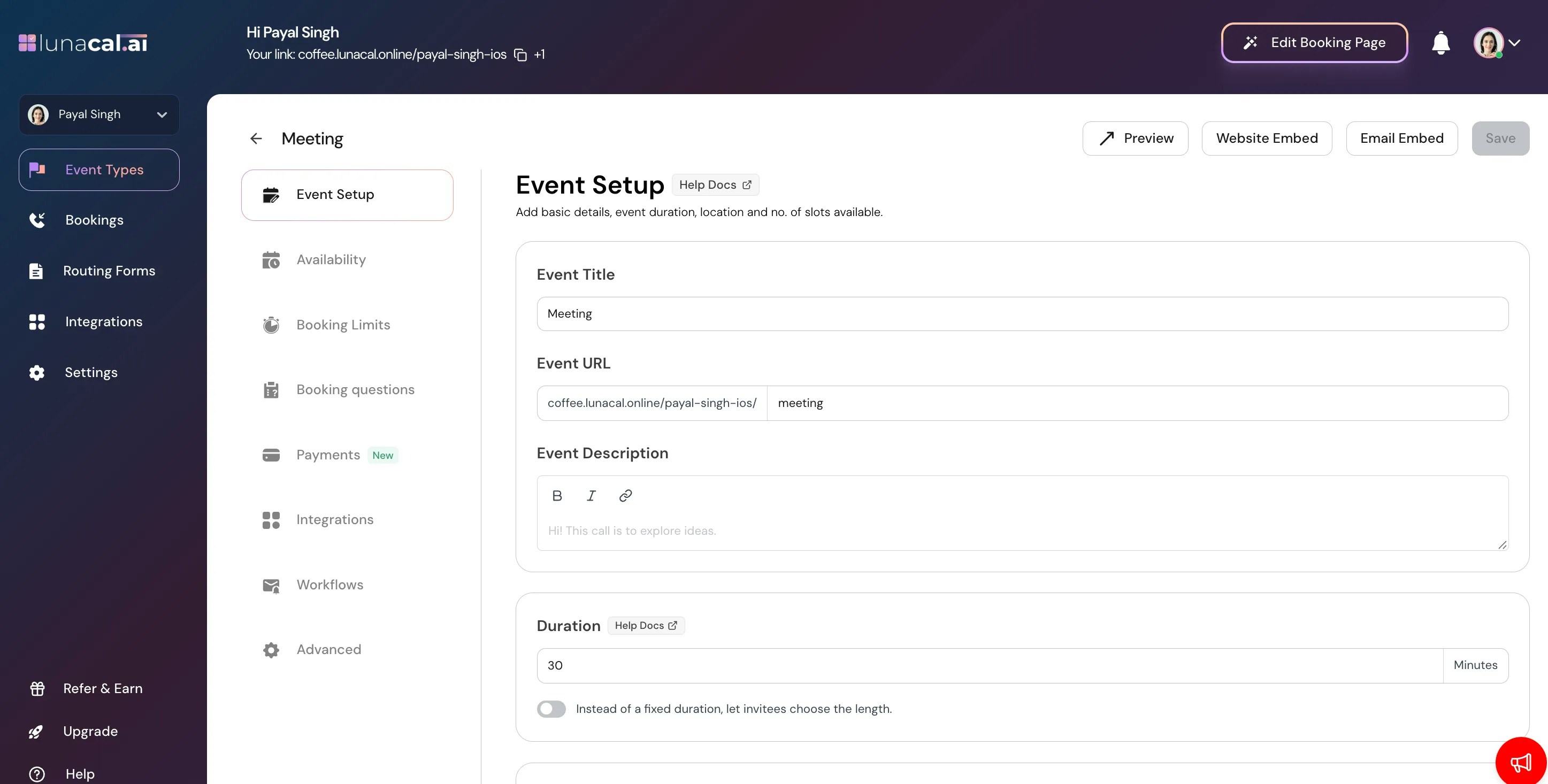
- Click on your event
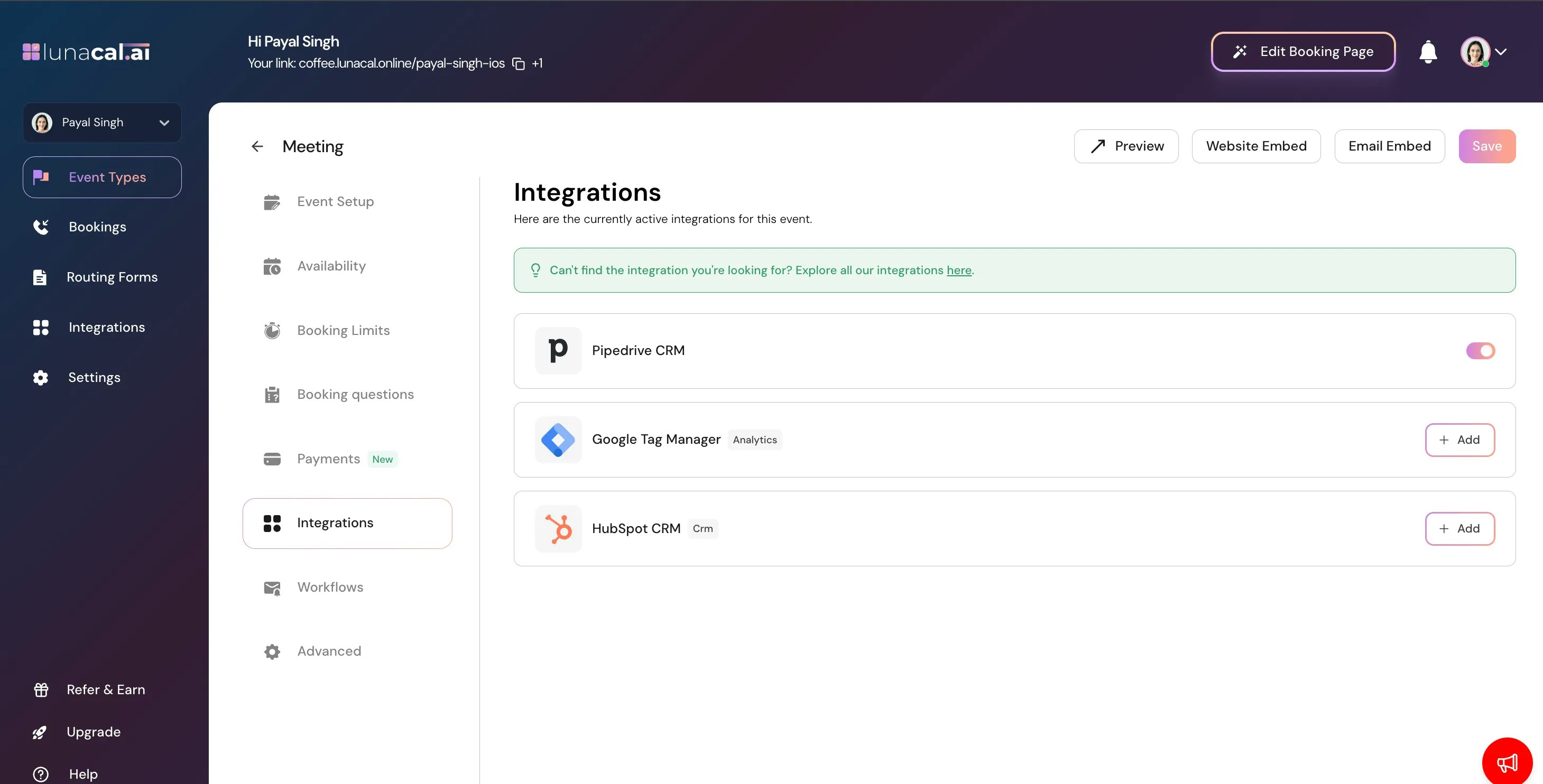
- go to integrations
- Enable Pipedrive
Make a Booking with Custom Question
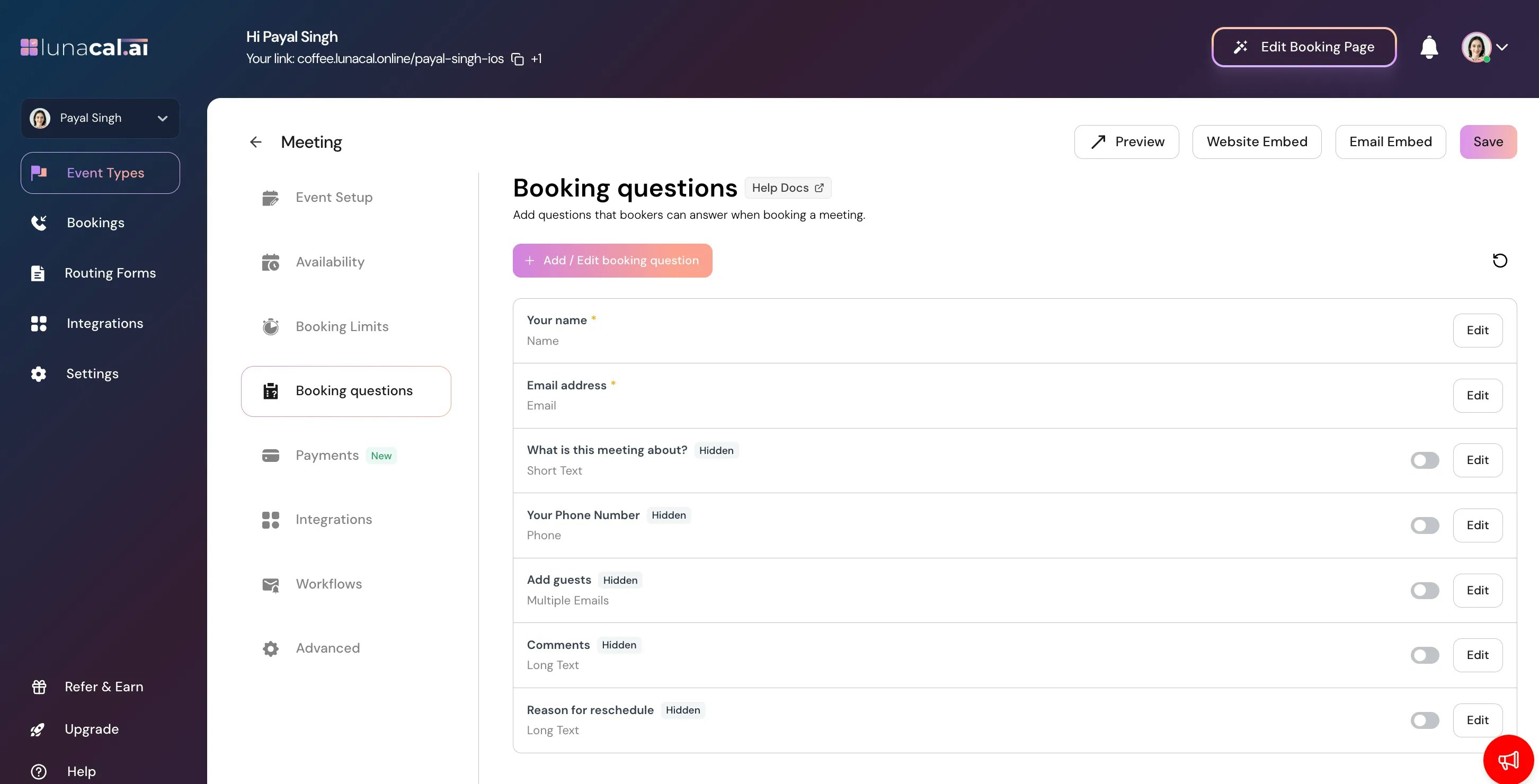
- Open Booking questions inside your event.
- Click Add / Edit booking question.
- Select Pipedrive Custom Field.
- Enter API Key & Setup your booking question
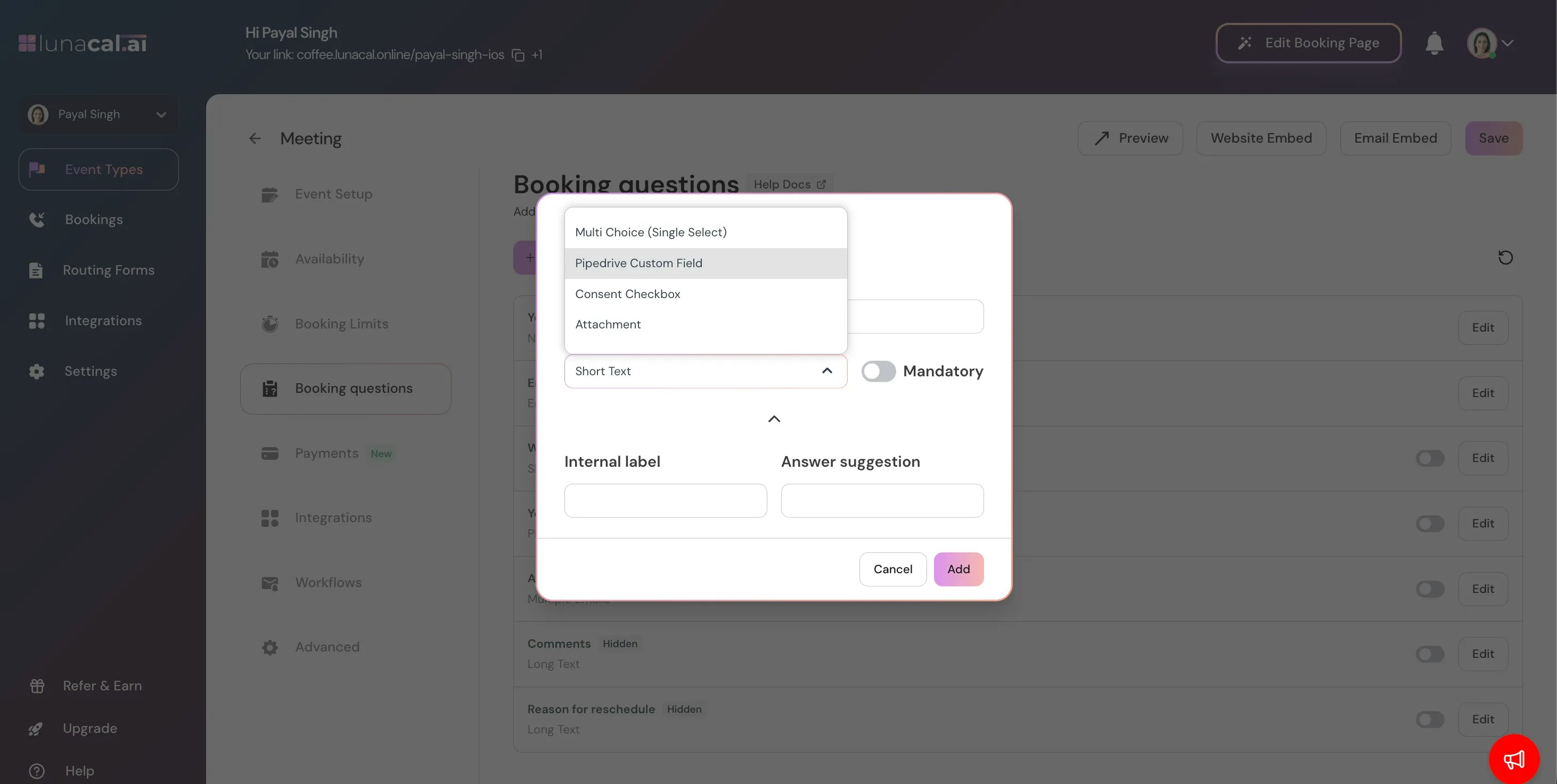
- Save the question.
-
Open your booking link.
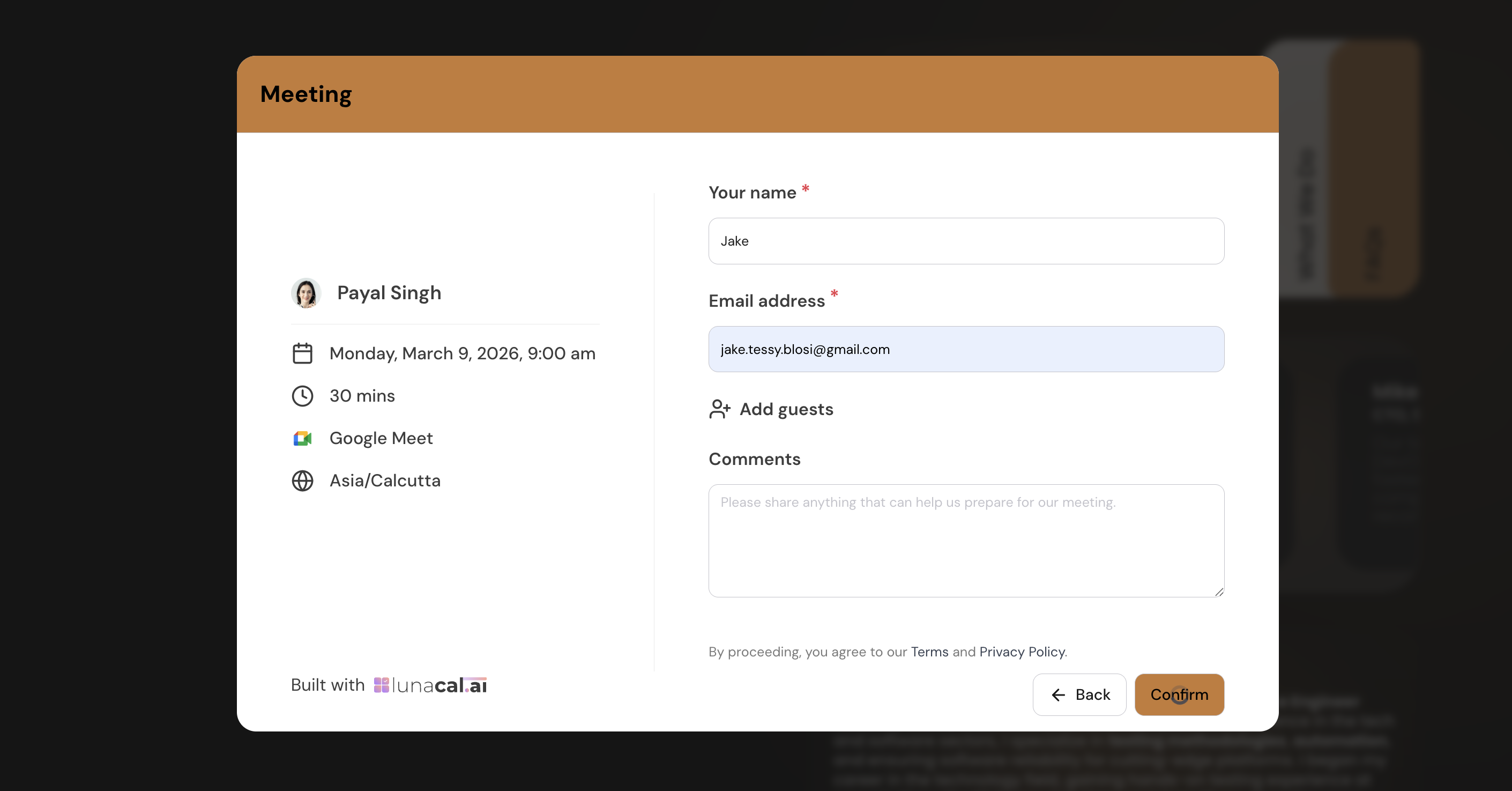
- Fill in the form and submit.
New Contact Created
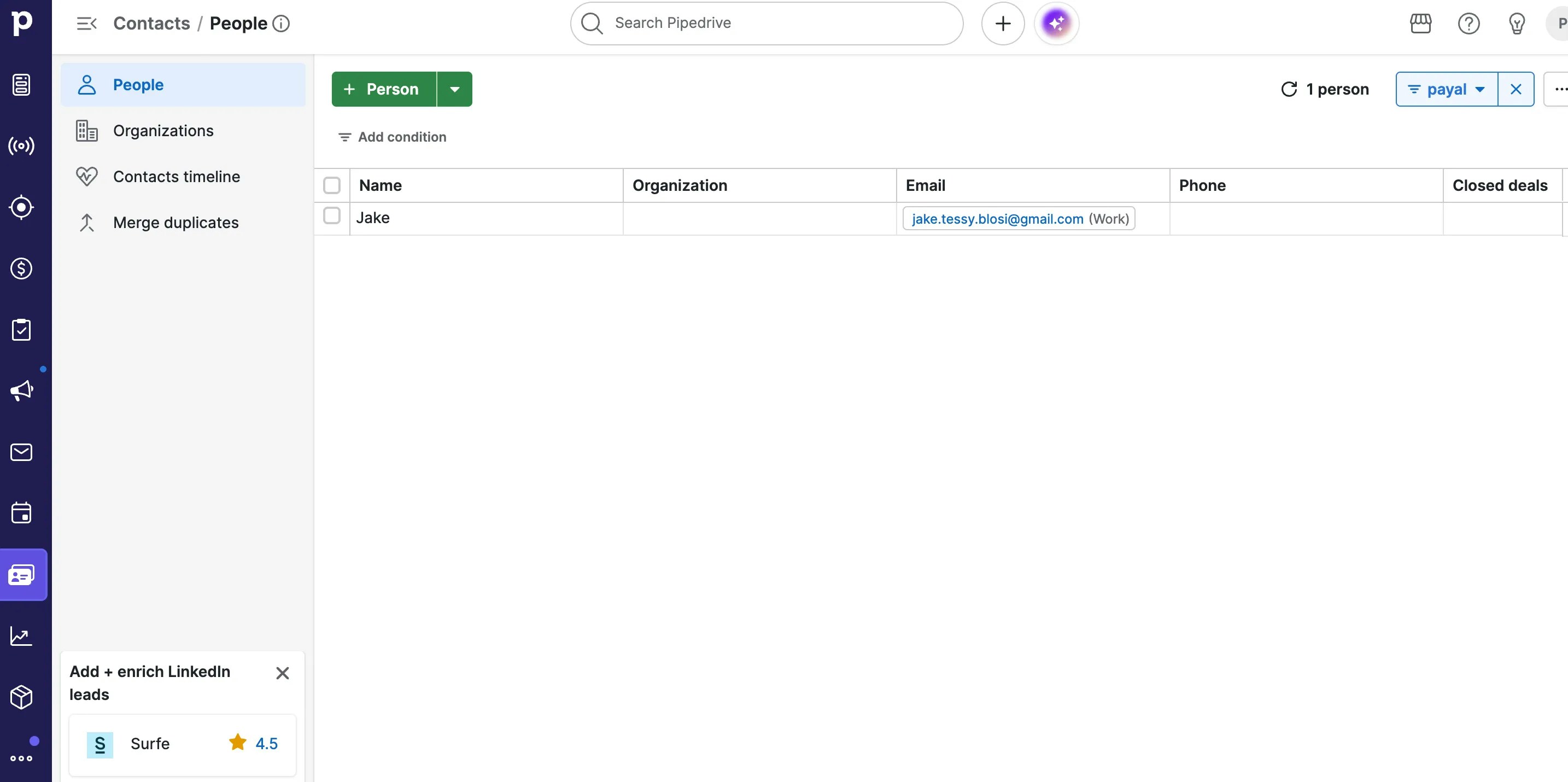
If the email does not exist in Pipedrive:- A new Person record is automatically created.
- Name, email, phone, and mapped custom fields are populated.
Existing Contact Updated
If the email already exists:- The existing Person record is updated.
Pipedrive Activity Section
- Go to Activities in Pipedrive.
-
A new meeting activity is created automatically.
.webp?fit=max&auto=format&n=nHrZ0nMAEbCqqEGc&q=85&s=09595e31f3b103c53c98aec98e1406b4)