

Why is this setting locked?
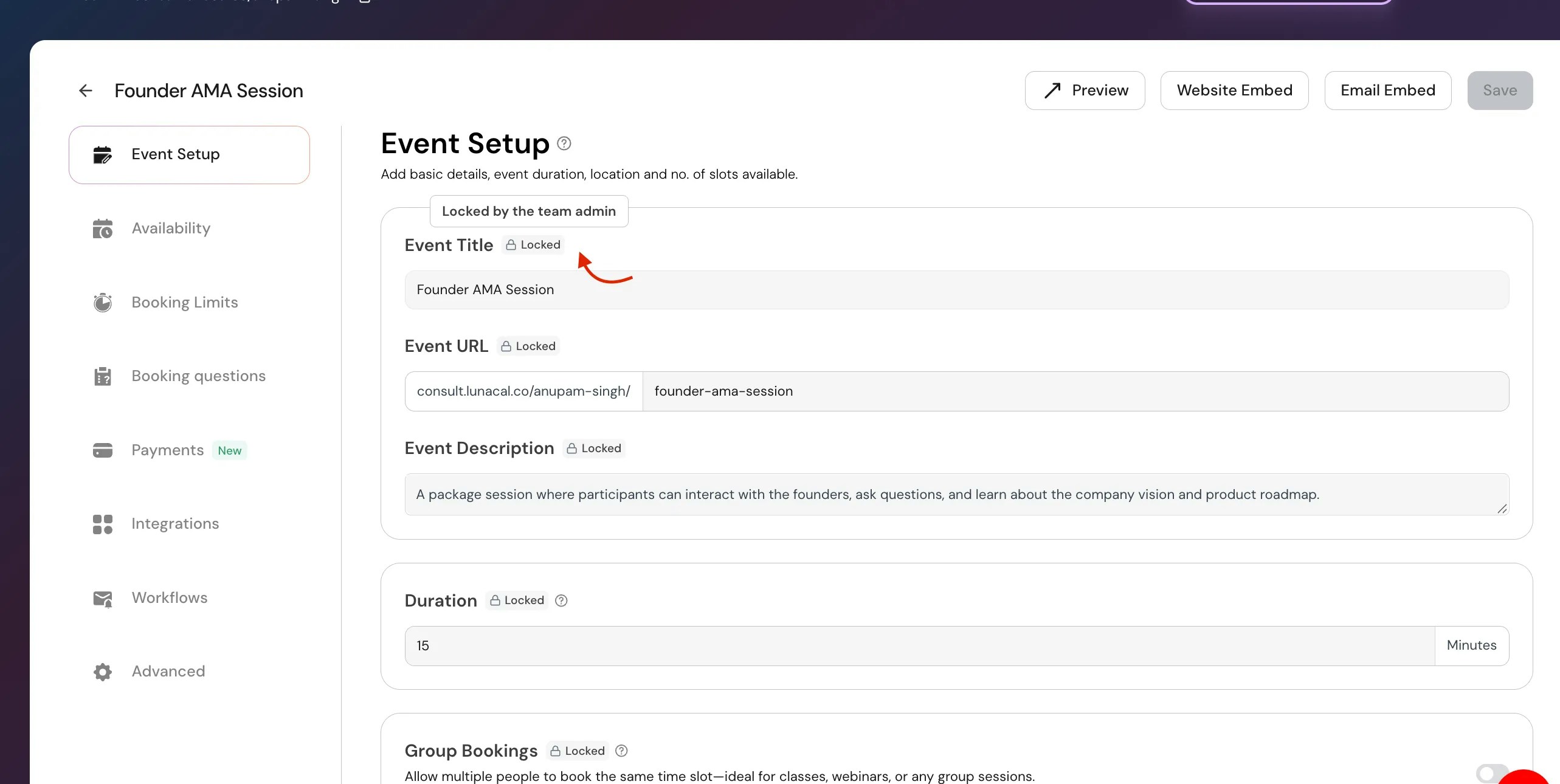
- A team admin (or event owner) creates the event
- They assign it to team members
- Certain settings are intentionally locked to maintain consistency
What does this mean for you?
If you’re a team member:- You can view and use the event
- But you can only edit settings that the owner has allowed access to
How can I edit it?
You have two options:1. Ask the event owner
Request the person who created the event to:- Unlock the specific setting
- Or make you an editor (if applicable)
2. Create your own event
If you need full control:- Create a new event under your account
- Customize all settings freely
Why does Lunacal lock settings?
This helps teams:- Maintain consistent booking experience